
Display your status, without a word.
A sleek, smart busy light for your desk, monitor, or home office that tells your colleagues when you're on a call, heads-down, or available. The Blynclight syncs with your collaboration platform and changes color in real time, so you don't have to.
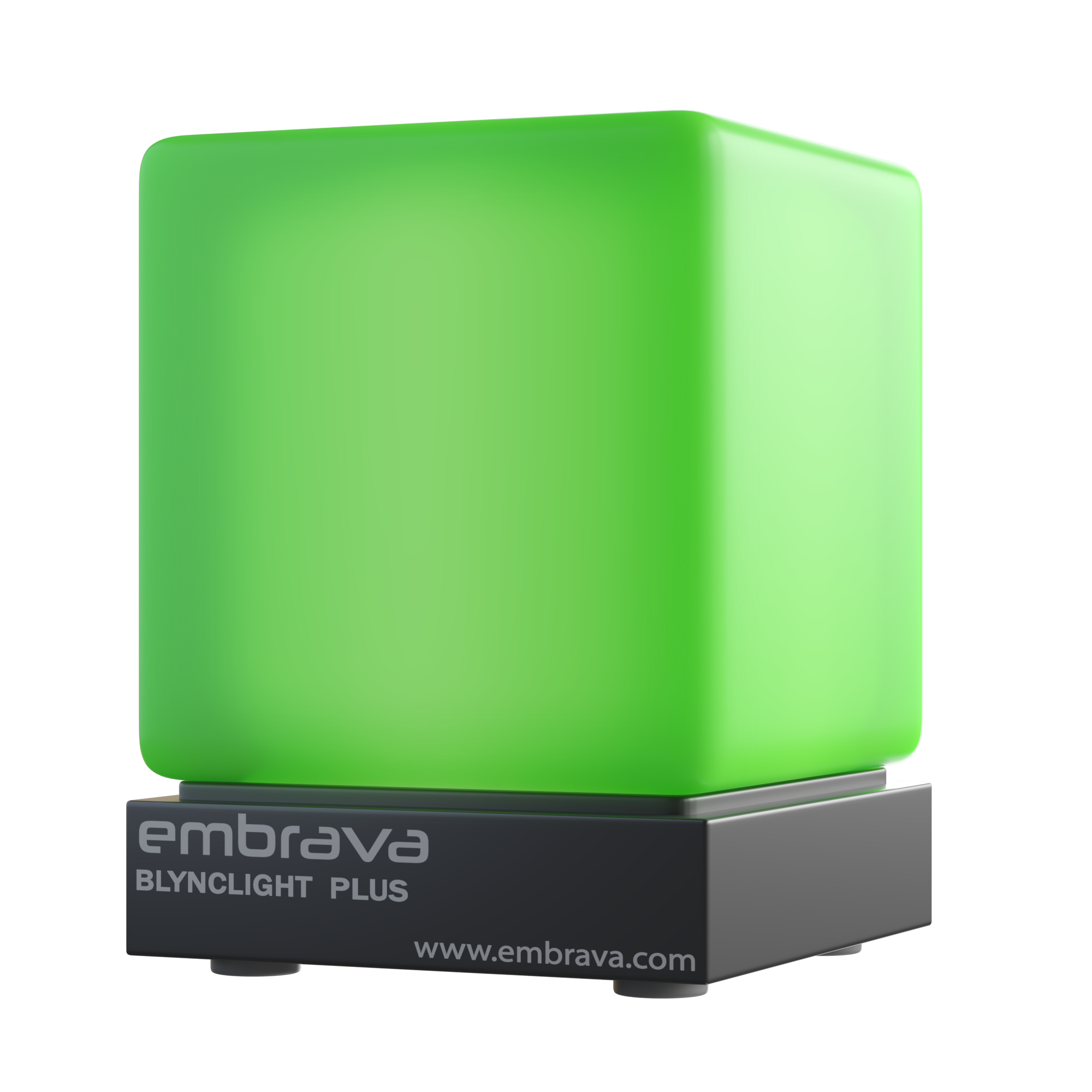
The Blynclight is the original Embrava busy light. A small RGB indicator that sits on your desk, monitor, or office partition and shows your colleagues when you're on a call, in focus time, or free to chat. It runs on USB. No battery to charge, no Bluetooth to pair, no driver to install. Plug it into your laptop or dock and the Embrava Connect companion app handles the rest.
Embrava invented the busy light category, and the Blynclight has been the reference design ever since. It's the device behind the lights you see on desks all over the Fortune 500. It works with the unified communications stack you already run, Microsoft Teams, Zoom, Slack, Webex, Cisco Jabber, RingCentral, Genesys, and a dozen others, and changes color automatically the moment your presence changes.
It's built for the modern office reality: open-plan floors, hot desks, hybrid teams, and home-office setups that need to look right on every call. The light is visible across the floor, but the diffused matte cube never glares into the camera or your eyes. The same Blynclight that sits at your desk in the office goes home in your bag for remote days. Same software. Same colors. Same workflow.
Colleagues see your status from across the floor, fewer taps on the shoulder while you're heads-down.
The light syncs with your UC app's presence. You don't change a thing, your status updates on its own.
Same light, same software, whether you're at HQ, a hot desk, or your kitchen table.
Agents stay in flow on calls. Colleagues know not to interrupt. Throughput goes up.
The whole point of open-plan offices is collaboration, until it becomes interruption. Blynclight makes the difference visible.
Enterprise Admin Console + Group Policy. Push one configuration to every Blynclight in the fleet.
USB cable into your laptop or dock. The Blynclight is ready in seconds, no driver install, no IT ticket.
Free companion software for Windows and macOS. Pick which UC and call-center apps you'd like the light to follow.
Run multiple apps at once? Set a priority order so the most important status, like an active call, always wins.
The light syncs with your presence automatically. Green for available, red for busy, your own colors for everything in between.
Blynclight follows the presence in your communications stack, UC platforms, contact-center suites, and softphones. Run multiple at once with priority ordering, or use it manually. Open API and SDK for custom integrations.
See the full partner ecosystem →2.36-inch matte cube with 5 RGB LEDs. Diffused light visible across the floor, never glaring up close.
Black Micro-B to USB-A. Interchangeable, swap in your own length if you need shorter or longer.
0.78-inch industrial-grade pad. Sticks the Blynclight to your monitor edge, dock, or desk frame.
2.9 × 2.0 × 3.7 inches, 4.58 oz total. Recyclable, no plastic foam.
Looking at alternatives? How Blynclight compares to the Luxafor Flag and Kuando Busylight.