Insights from Embrava

Explore practical guidance, product updates, partner stories, and fresh perspectives on how organizations can connect digital systems with the physical environments where people work, meet, move, and make decisions. See what we are building, what we are learning, and how Embrava is helping make live information visible and actionable in the moments that matter.

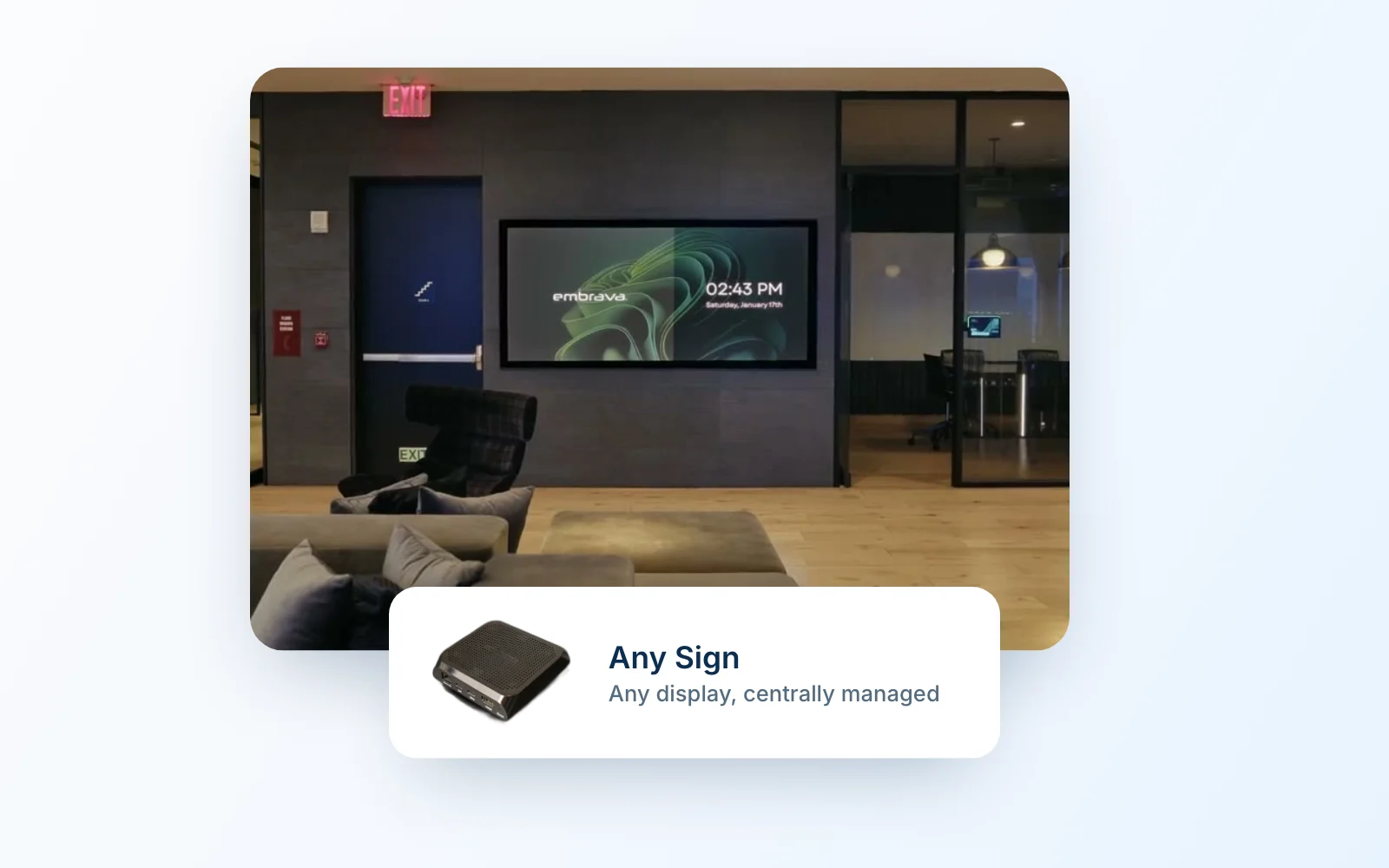
A workplace lobby with a wall-mounted digital signage screen showing the time, with an Embrava Any Sign player labeled Any display, centrally managed.
Digital Signage
Workplace Digital Signage: What to Show, Where, and Who Manages It

Plan workplace digital signage: what each screen should show, where to place it, and which team should manage it. Includes an ownership table and content checklist.

Read more
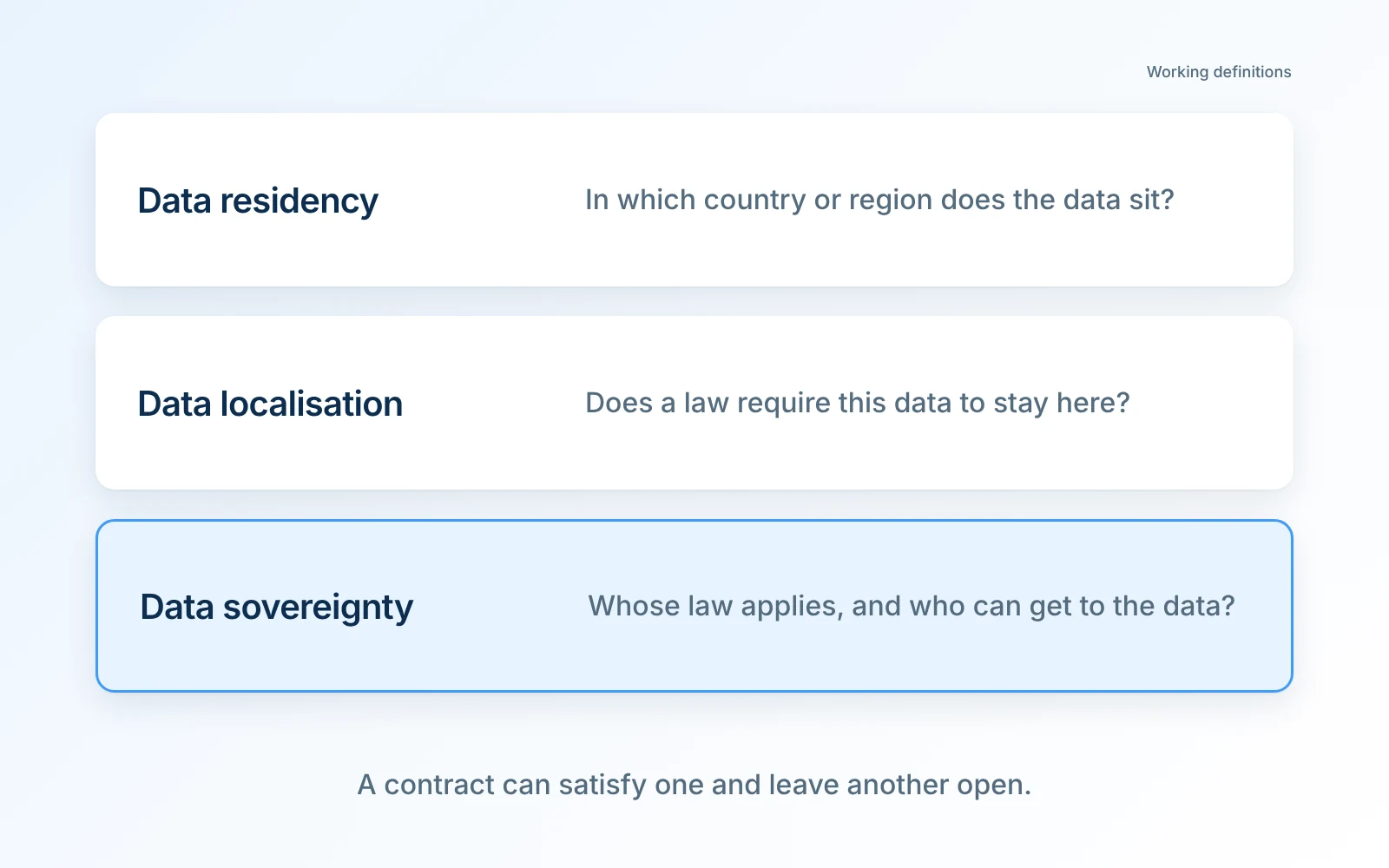
Three working definitions on cards. Data residency: in which country or region does the data sit? Data localisation: does a law require this data to stay here? Data sovereignty: whose law applies, and who can get to the data? A contract can satisfy one and leave another open.
Workplace Technology
What Does Data Sovereignty Mean for Workplace Technology?

Data sovereignty vs residency vs localisation, the laws behind them, what workplace tools collect, and eight question groups to ask vendors.

Read more
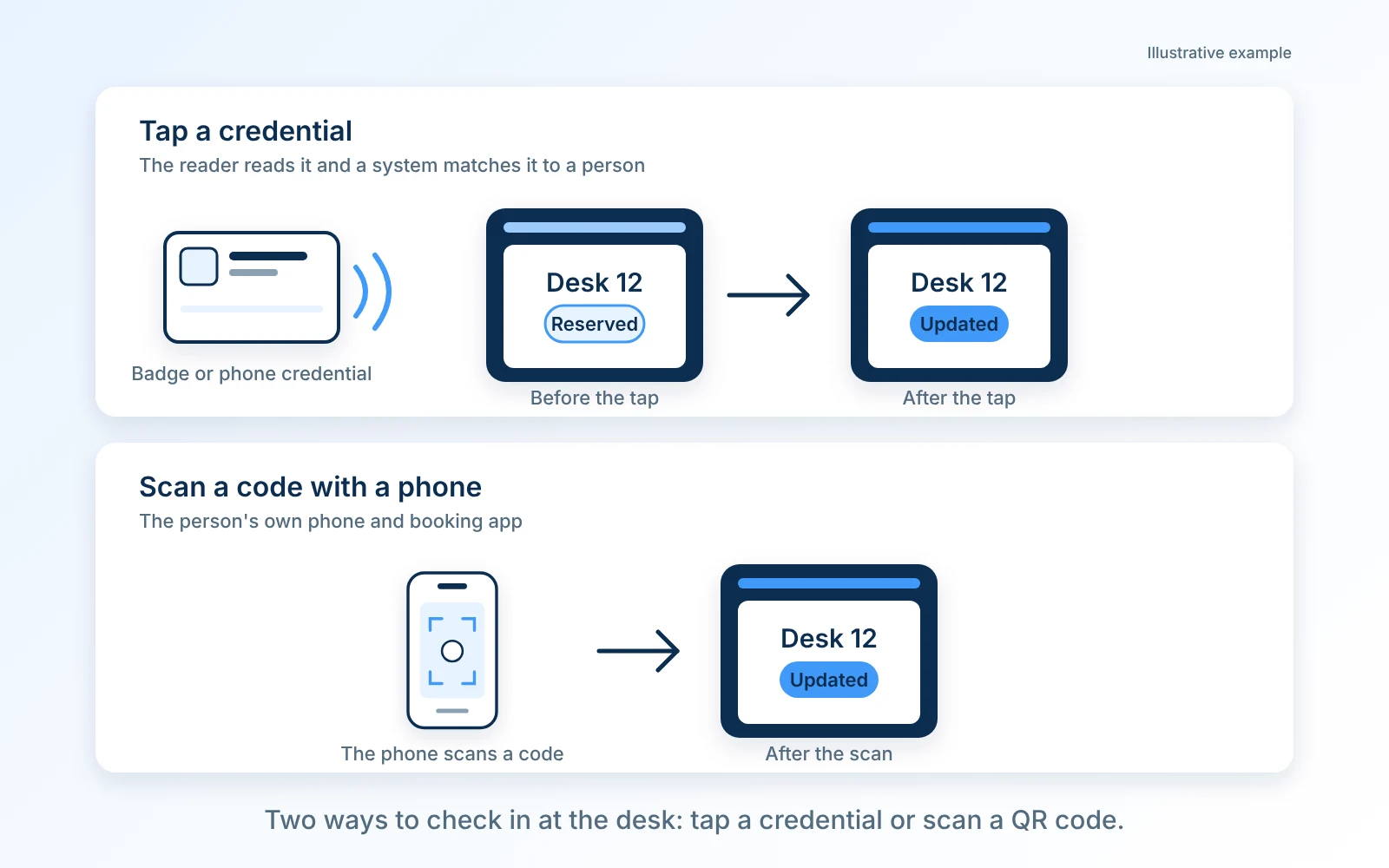
Two lanes. In the first, a person taps a badge or phone credential on a desk display. In the second, a person scans a code with their own phone. In both, the desk status updates on the display.
Desk Booking
How Does Desk Check-In Work? Badge, RFID, NFC and QR Explained for IT

How badge, RFID, NFC, wallet and QR desk check-in work, what to confirm before rollout, and what to check when a tap does not find a booking.

Read more
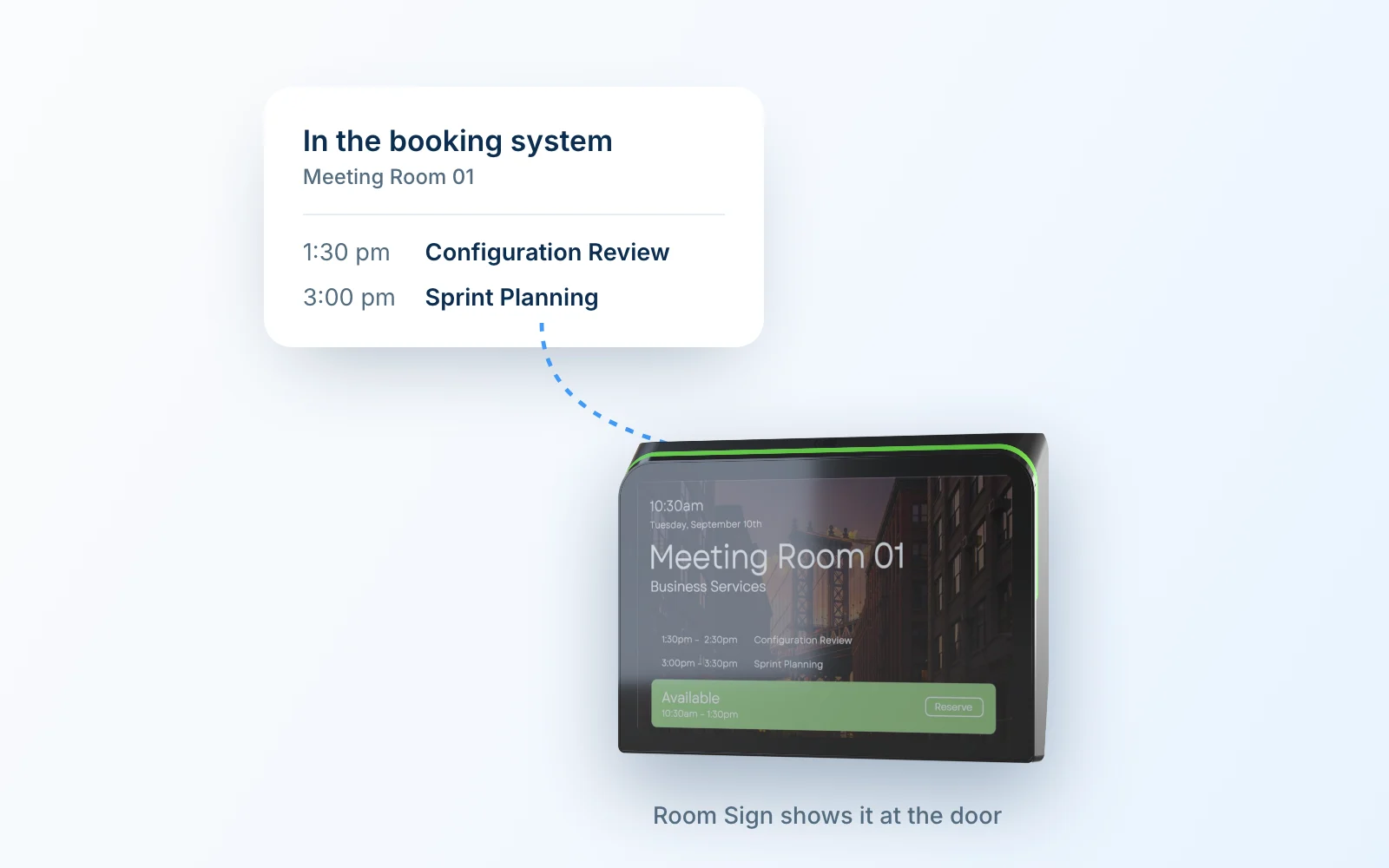
A booking system entry for Meeting Room 01 listing Configuration Review at 1:30 pm and Sprint Planning at 3:00 pm, connected to an Embrava Room Sign showing the same room and schedule at the door.
Meeting Rooms
Meeting Room Booking System: How Room Displays Work With Your Booking Software

How a meeting room booking system and a room display work together: reservations, rules, check-in and release, and what to check before you choose.

Read more
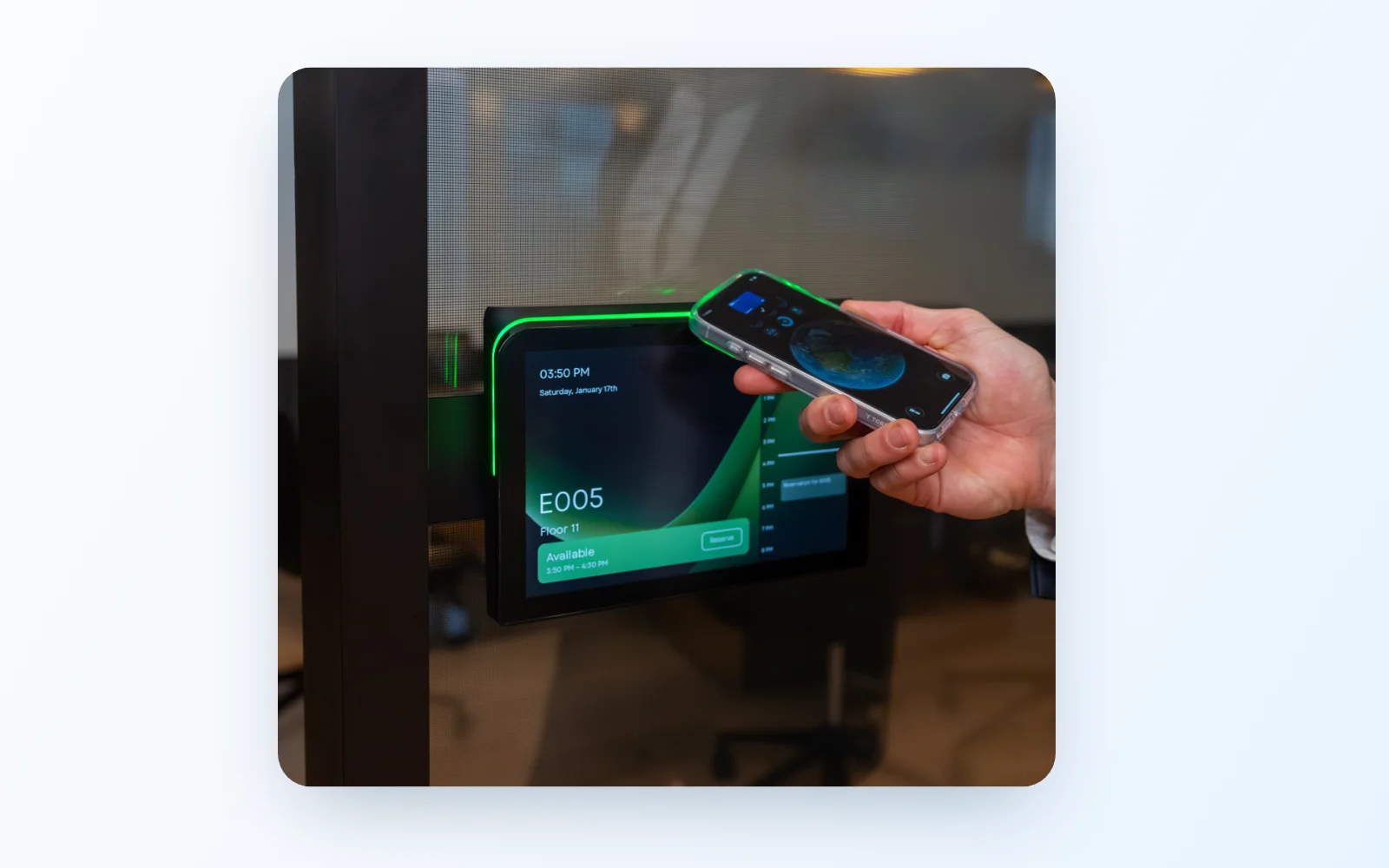
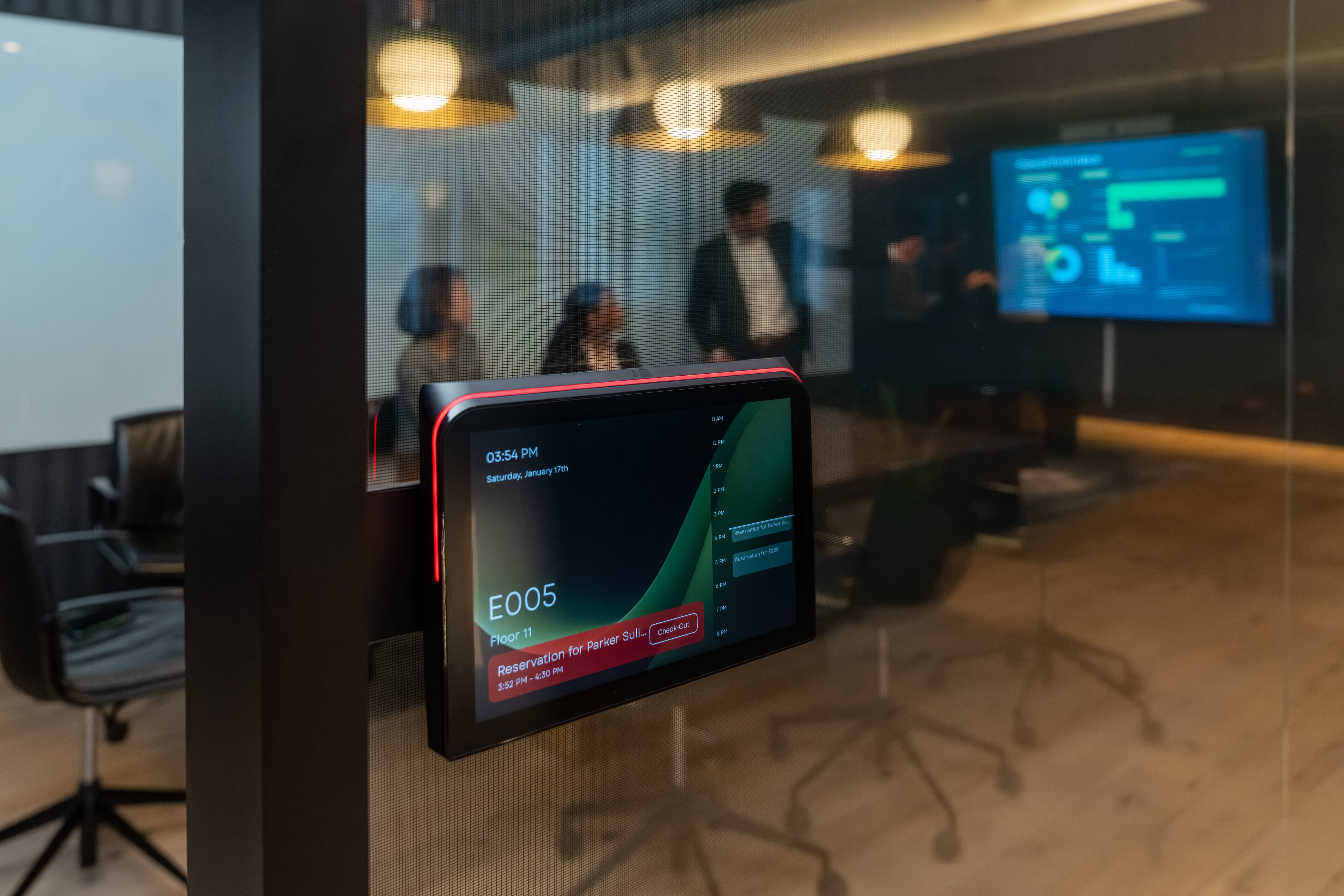
Embrava Room Sign mounted on the glass beside a meeting room door, showing room E005 as Available while a person holds a phone to the display.
Meeting Rooms
Conference Room Display: What to Look For in a Meeting Room Sign

What to look for in a conference room display: status from across the floor, check-in, booking platforms, accessibility, power and managing a fleet.

Read more
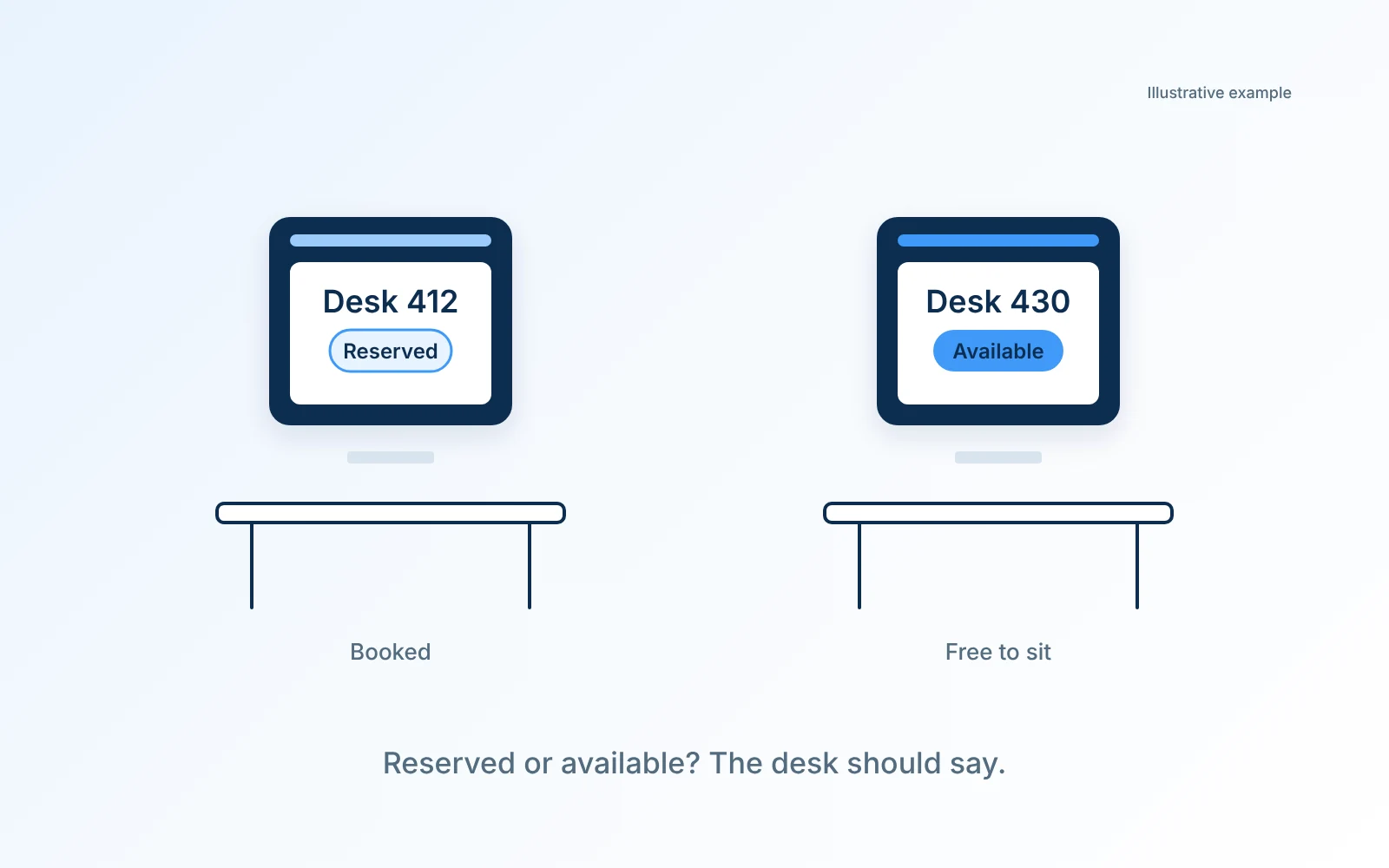
Two shared desks, each with a small display. Desk 412 shows Reserved and Desk 430 shows Available.
Desk Booking
Why Do Booked Desks Sit Empty? How to Diagnose and Fix It

Booked desks sit empty for different reasons. Learn to tell a no-show from an early departure or a missed check-in, then fix the right one.

Read more
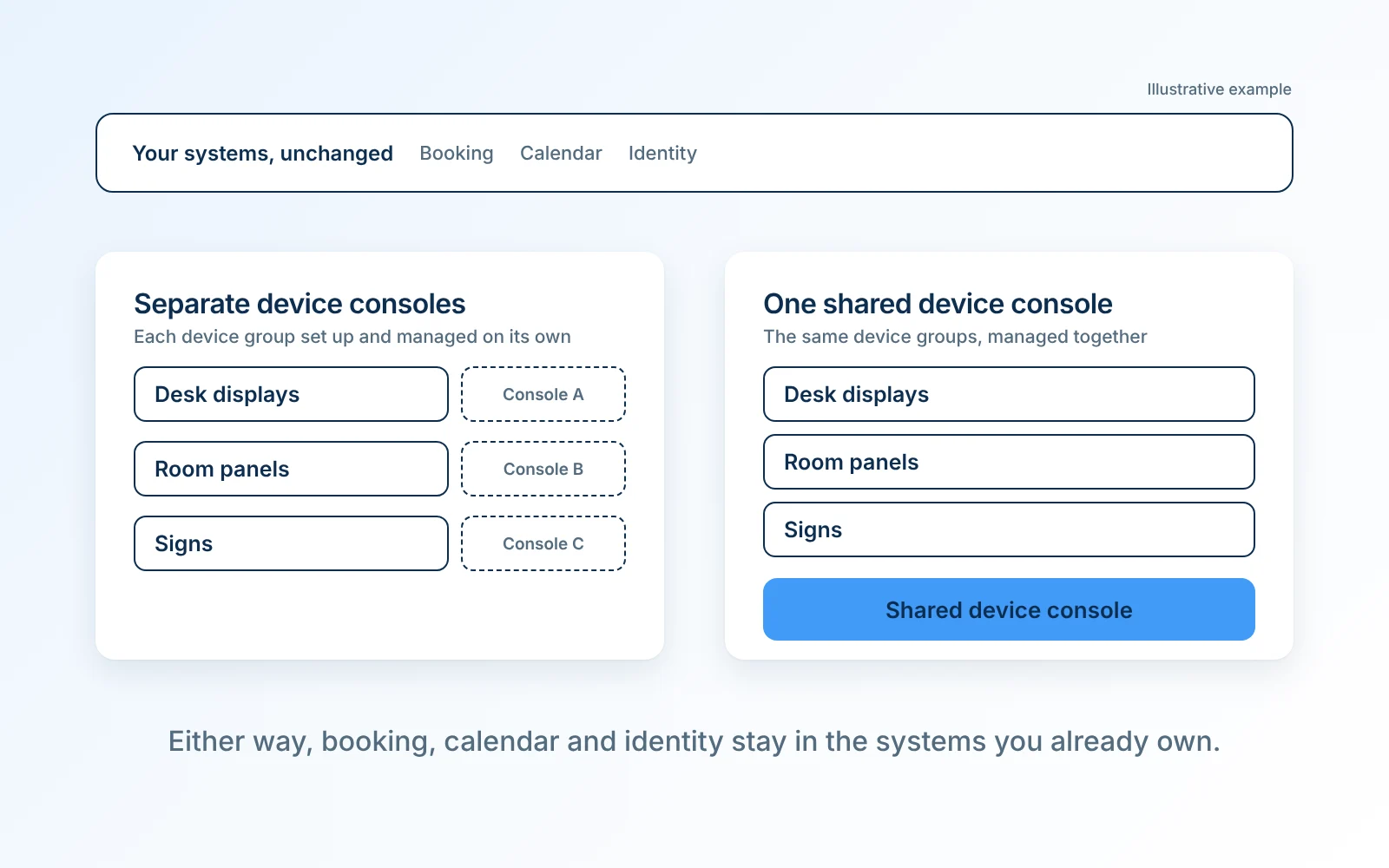
Two panels. Left: three device groups, each managed in its own console. Right: the same device groups managed from one shared console. Booking, calendar and identity systems appear above both panels, unchanged.
Workplace Technology
Platform vs. Point Solution: How to Evaluate a Connected Workplace Approach

Compare separate workplace tools with a connected device platform. See an operating comparison, seven vendor questions and the evidence to ask for.

Read more
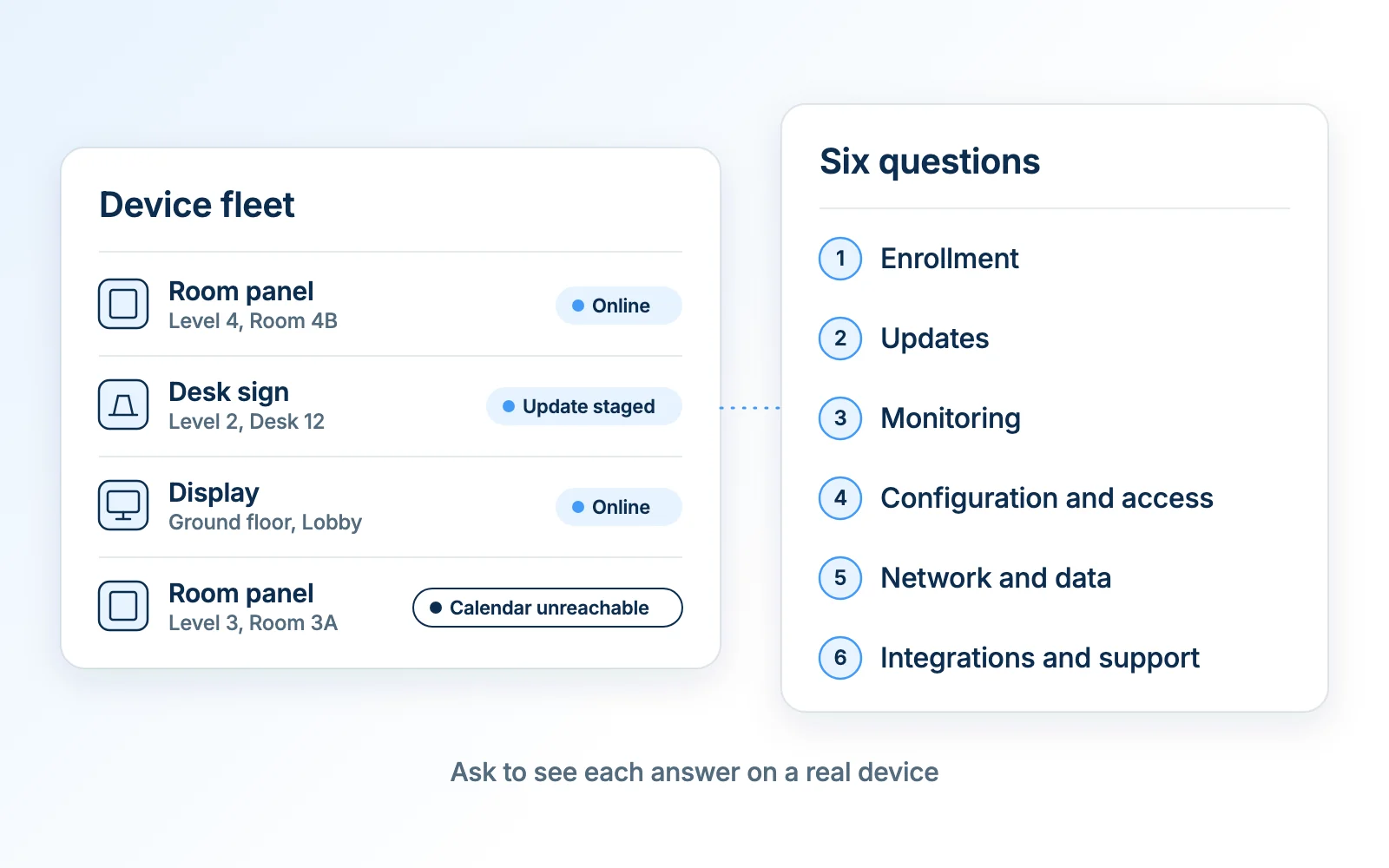
Illustration of a device fleet list beside the six questions to ask a device management platform.
Workplace Technology
How to Choose a Workplace Device Management Platform: 6 Questions to Ask

Evaluate a workplace device management platform with six practical questions on provisioning, updates, monitoring, access, network security and support.

Read more
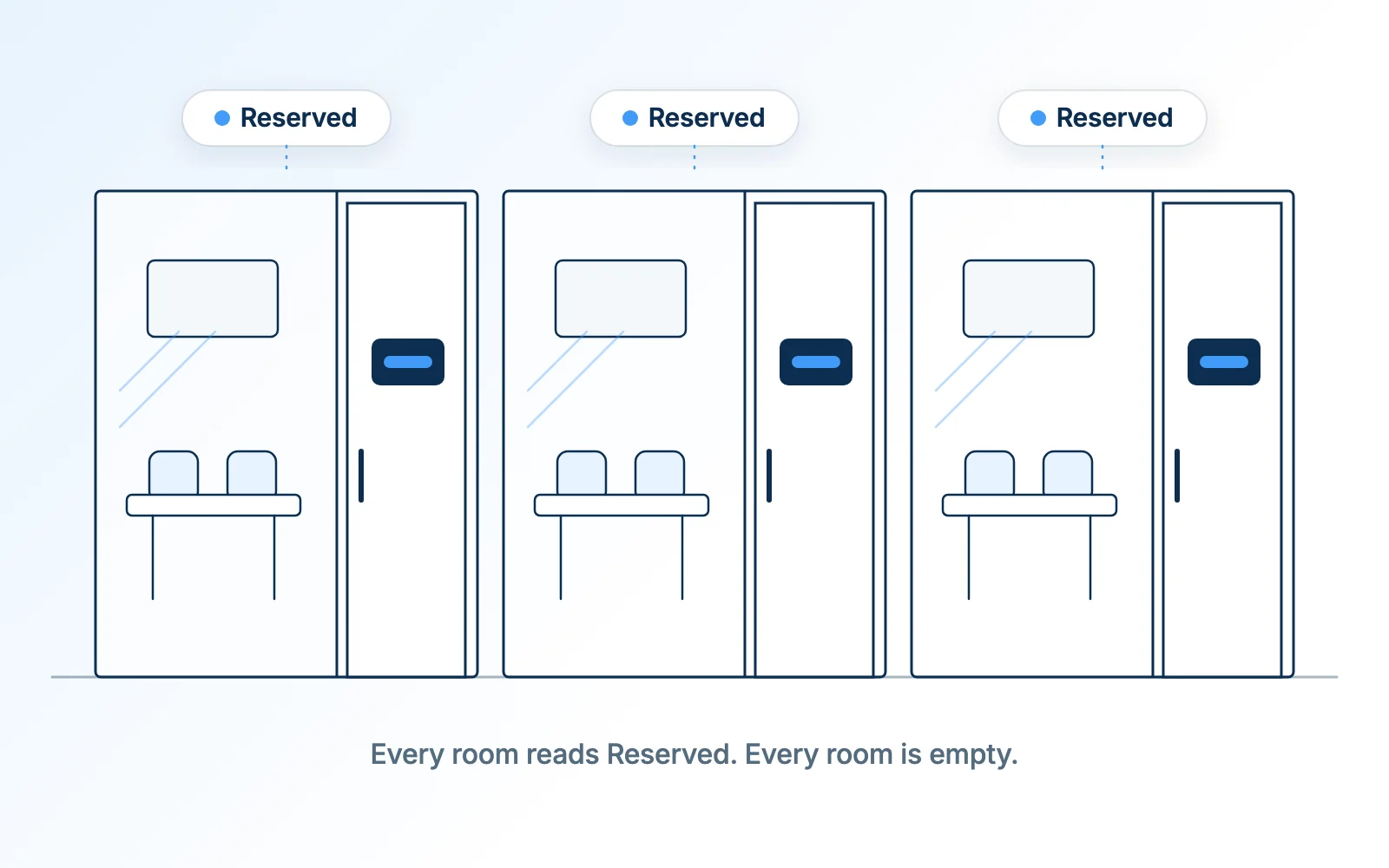
Illustration of a hallway of three meeting rooms, each marked Reserved and each empty.
Meeting Rooms
Why Do Booked Meeting Rooms Still Sit Empty?

A full calendar doesn't mean a full room. Here's why meeting room no-shows happen, and how to fix availability without adding more space.

Read more
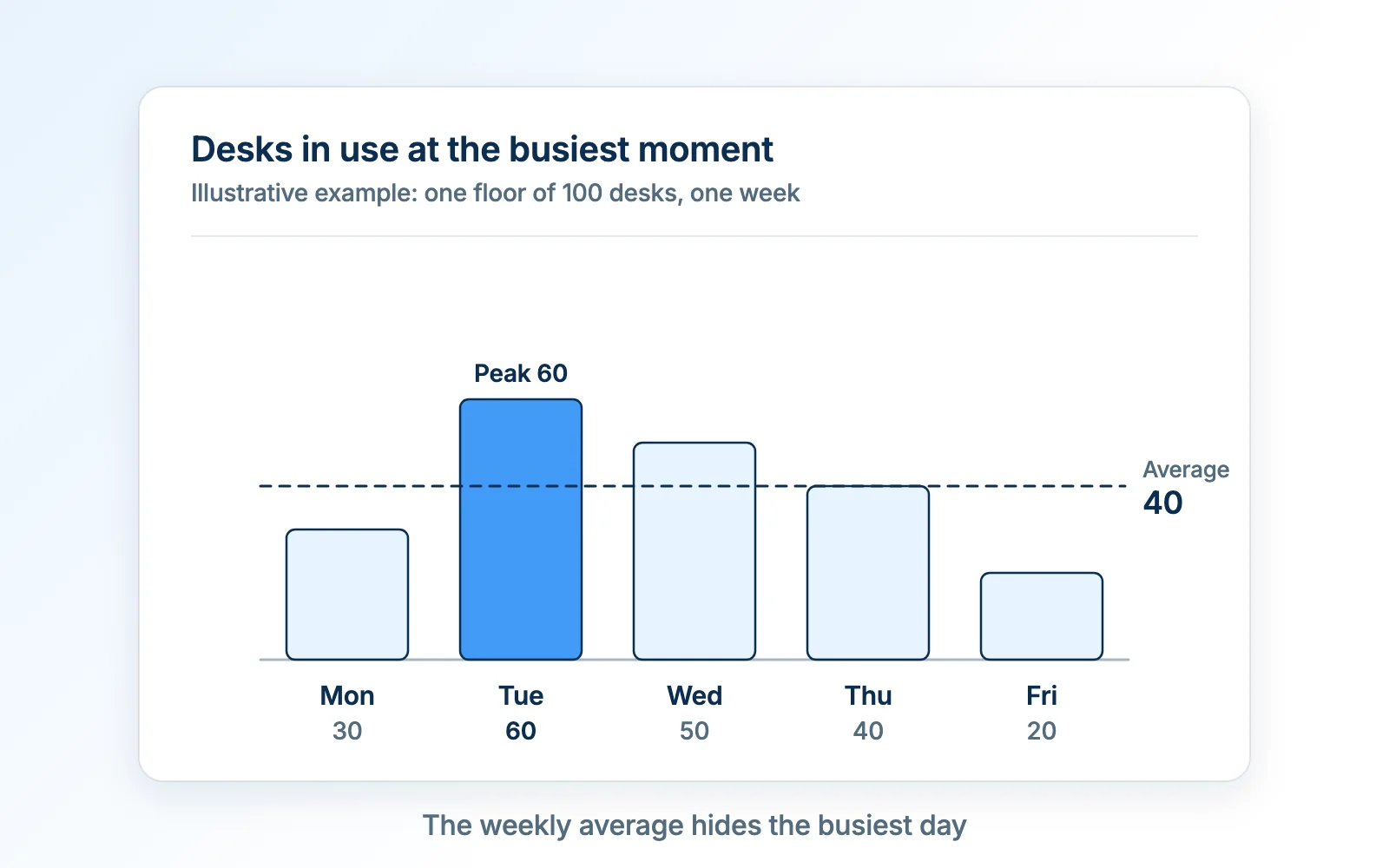
Illustrative bar chart of one floor's peak desk occupancy each weekday, with Tuesday's peak of 60 desks well above the average of the daily peaks, 40.
Desk Booking
What Does Good Desk Utilization Look Like in 2026?

CBRE and JLL put average office utilization at 53% to 56%. See what that measures, how to calculate your own, and how to set a target.

Read more
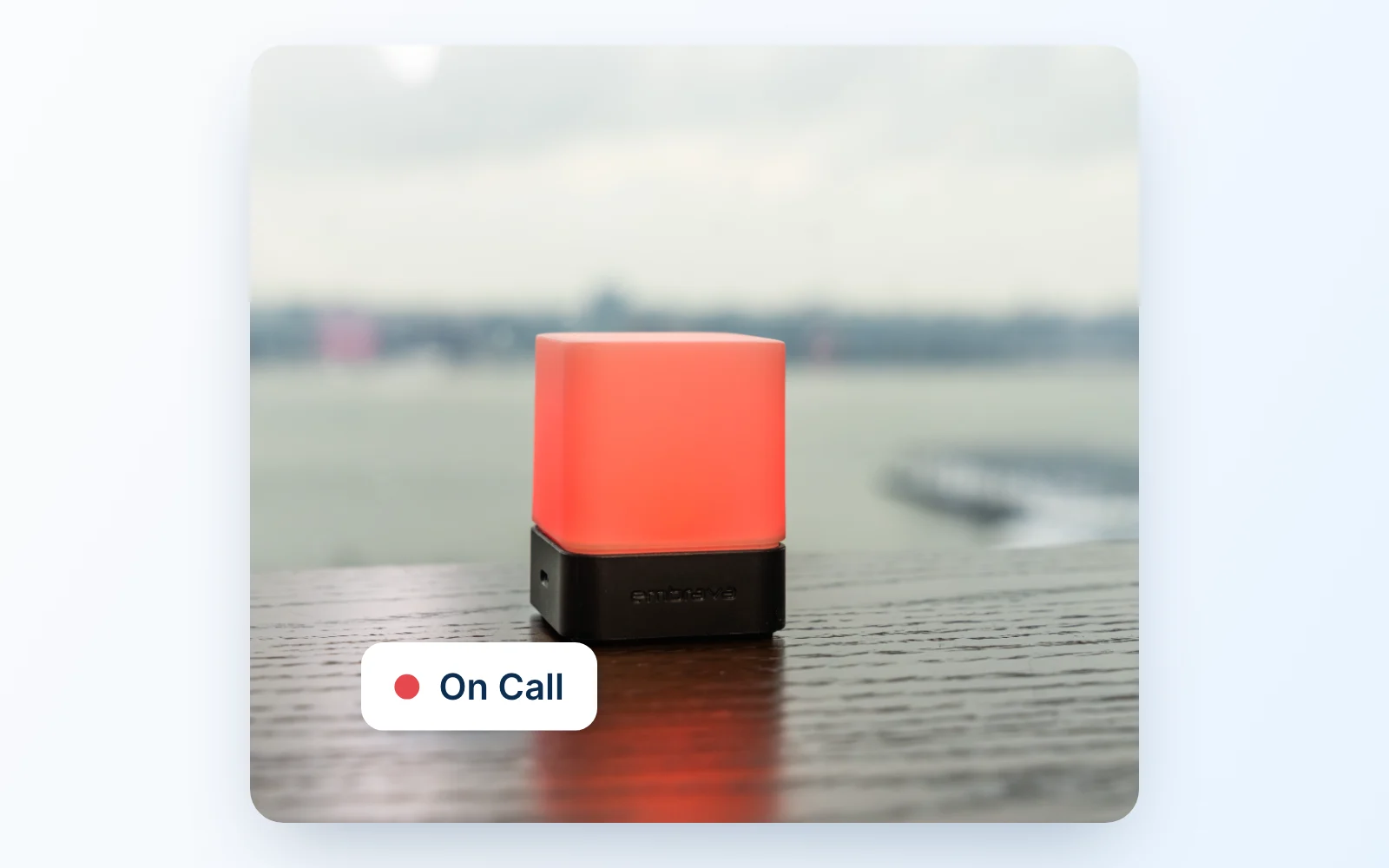
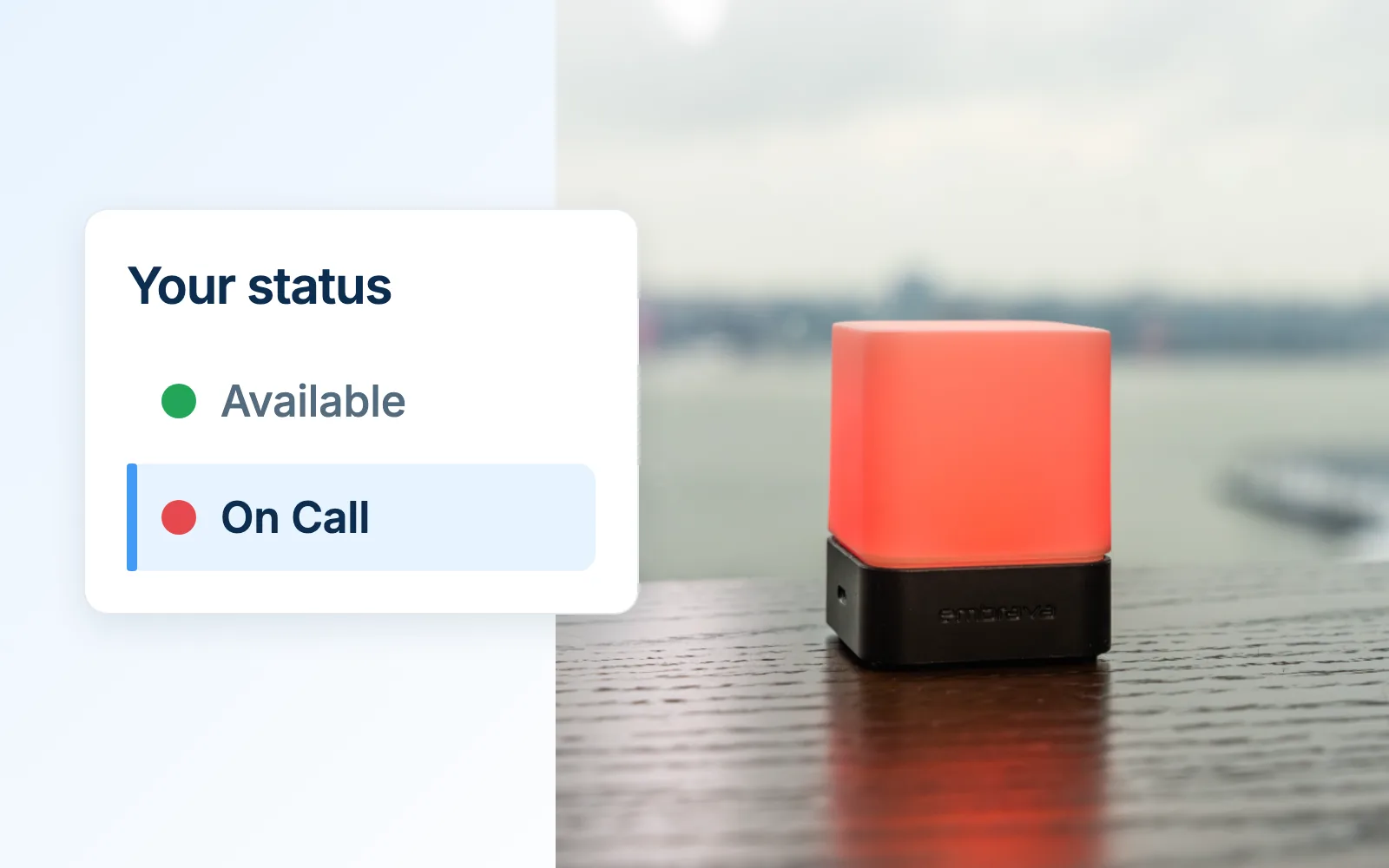
An Embrava Blynclight glowing red on a desk ledge, labeled On Call.
Busy Lights
Busy Light for Office: How to Choose One for Open Offices and Hybrid Teams

How to choose a busy light for an open office or hybrid team: visibility, app support, color meaning, IT rollout and what a busy light cannot do.

Read more
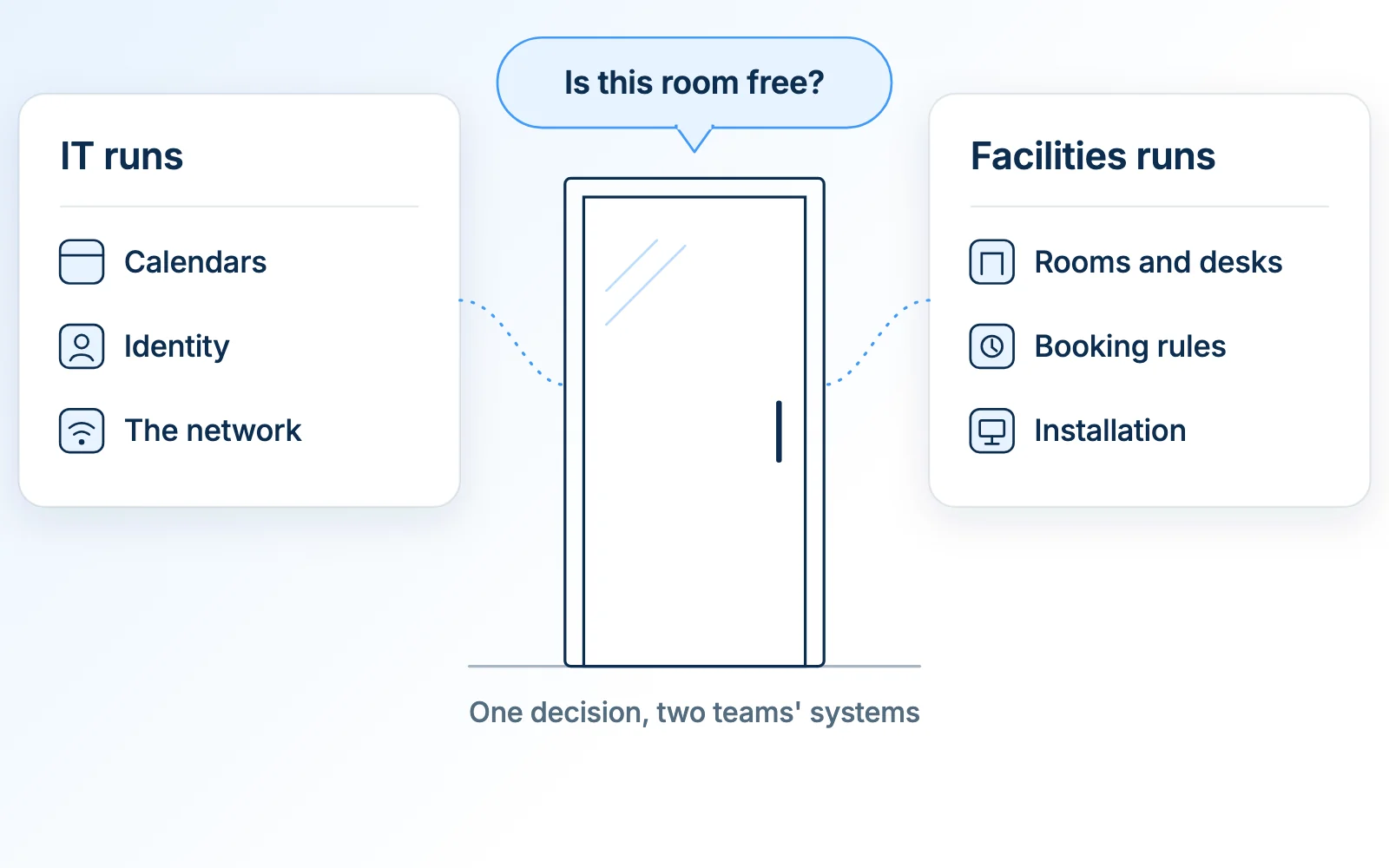
Illustration of a meeting room door linked to what IT runs and what facilities runs.
Workplace Technology
Why IT and Facilities Now Share Workplace Technology Decisions

IT runs the systems that hold workplace information. Facilities runs the spaces where people act on it. Here is how to evaluate workplace technology together.

Read more
A status card showing Available and On Call, with On Call selected, beside a Blynclight busy light glowing red on a desk
Busy Lights
What Is a Busy Light? How Status Lights Work With Microsoft Teams and Zoom

A busy light shows people nearby when you are on a call or focusing. Learn how status lights sync with Microsoft Teams and Zoom, and what to check.

Read more
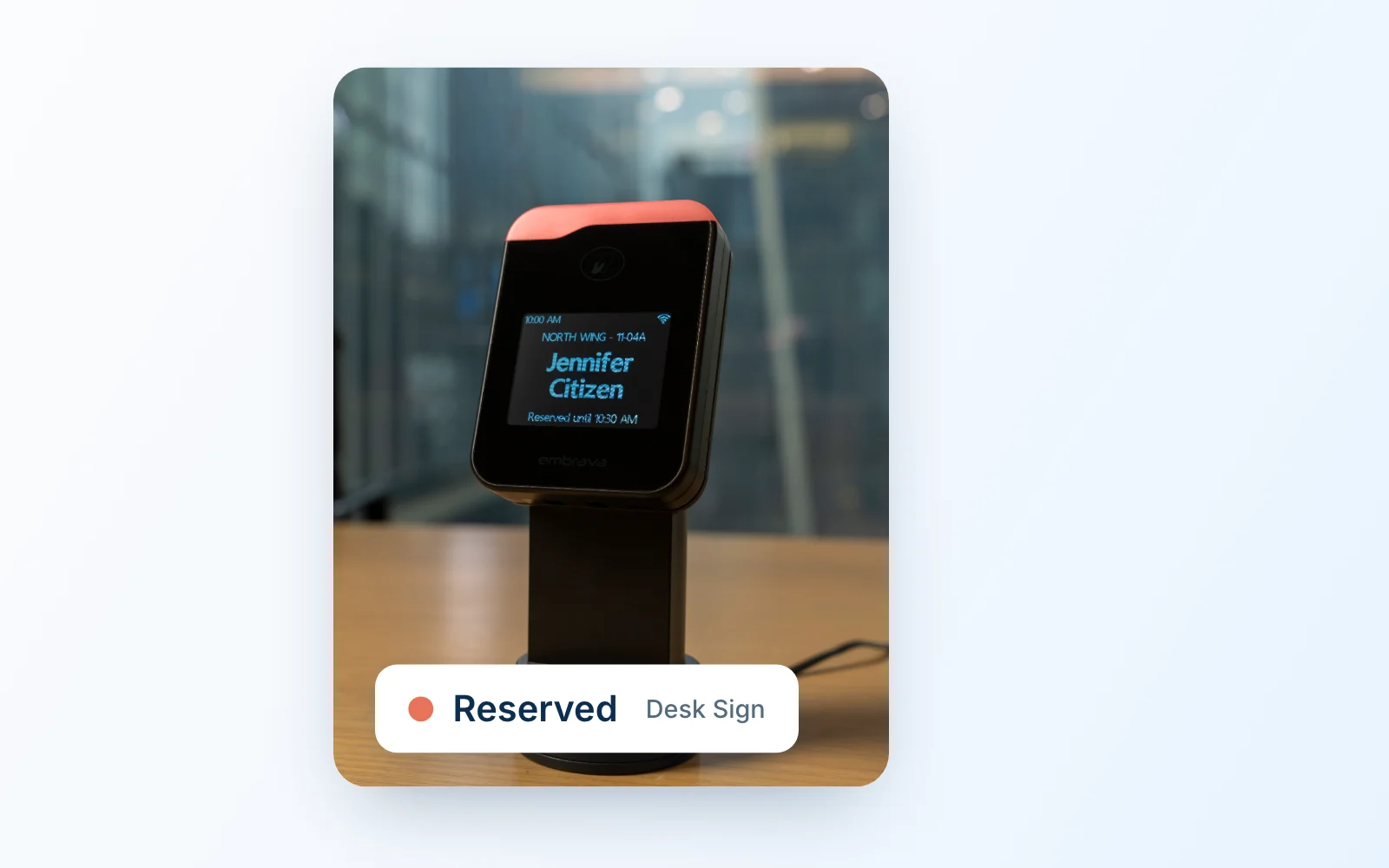
An Embrava Desk Sign on a shared desk showing a reservation for Jennifer Citizen, labeled Reserved.
Desk Booking
Hot Desk Booking: How to Set It Up So People Can Find a Desk

How hot desk booking works: reservations, rules, check-in and release, and what a status display at the desk adds. Includes a program decision checklist.

Read more
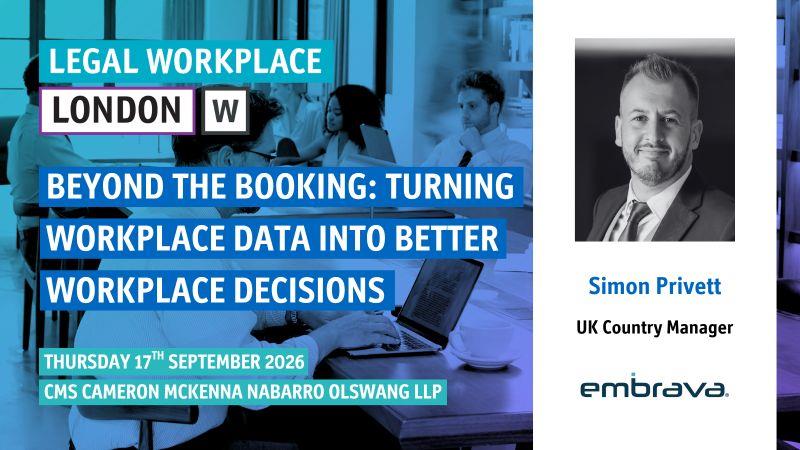
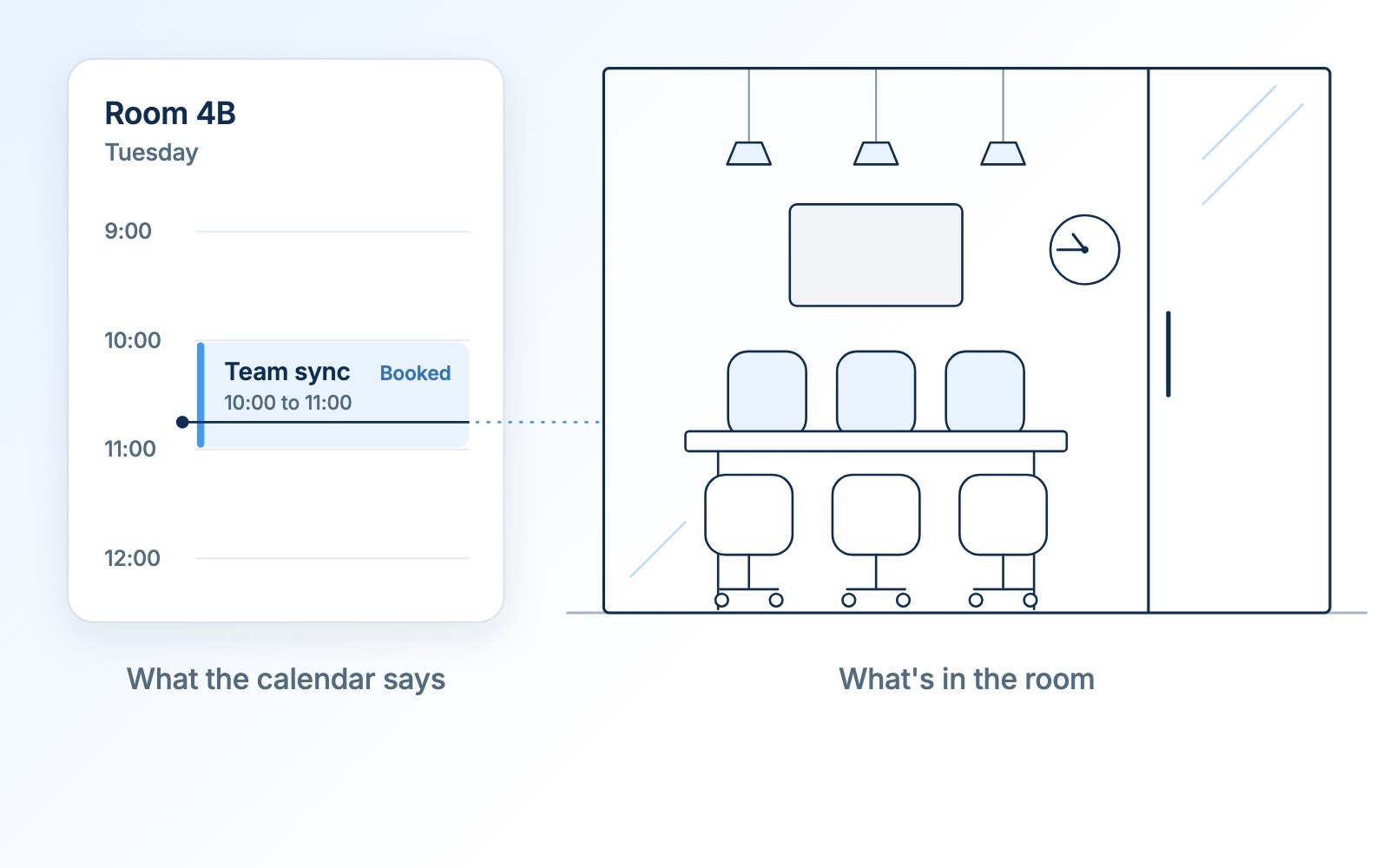
Illustration of a ghost booking: a calendar shows Room 4B booked for Team sync from 10:00 to 11:00, while at 10:45 the meeting room itself sits empty
Meeting Rooms
What Is a Ghost Booking?

A ghost booking holds a room or desk that nobody uses. Learn what causes them, how they differ from no-shows, and how to measure them.

Read more
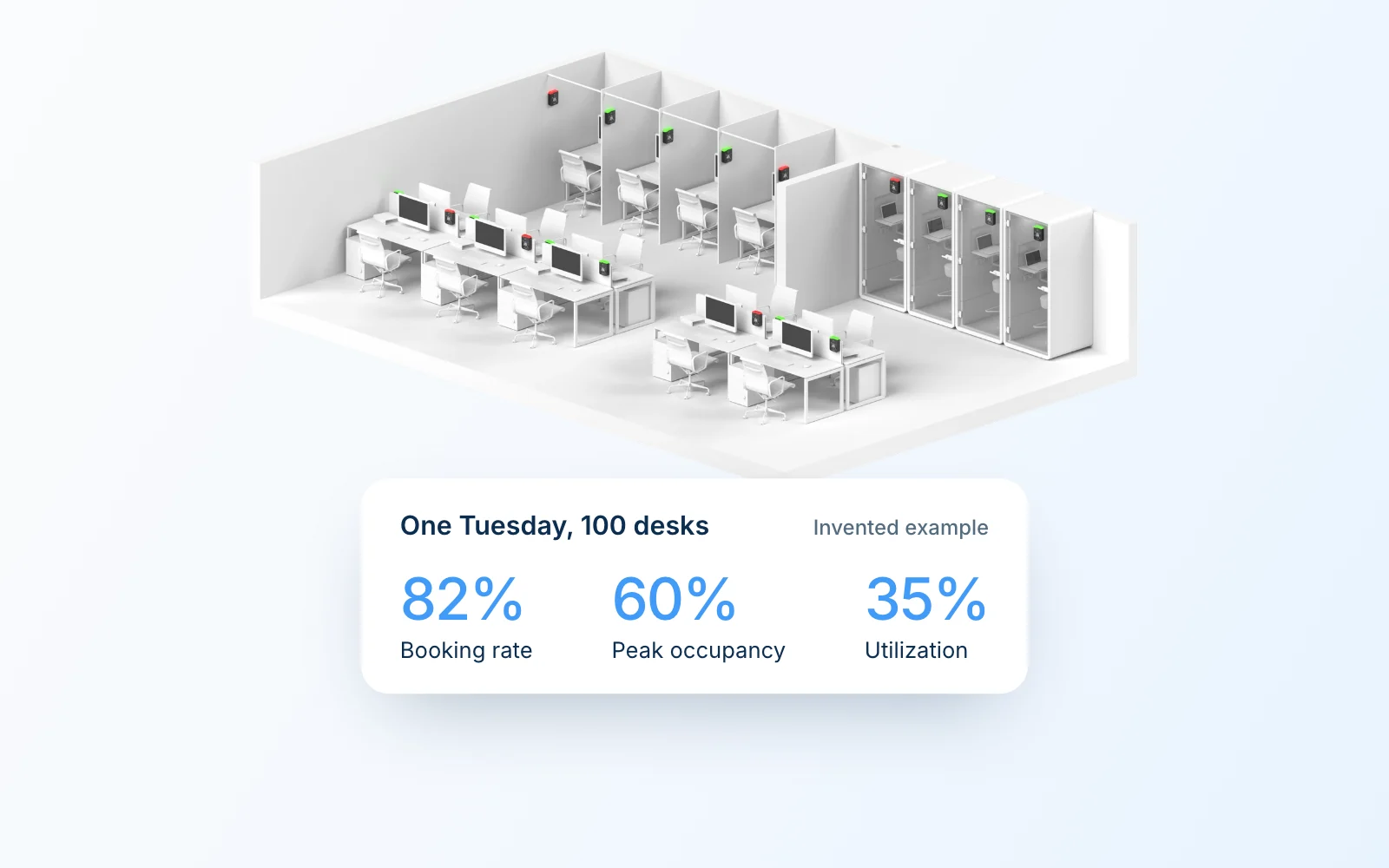
An isometric office floor with desks and rooms, above an invented example for one Tuesday with 100 desks: booking rate 82 percent, peak occupancy 60 percent, utilization 35 percent.
Workplace Technology
What Is Space Utilization? How to Measure It and What the Numbers Mean

Space utilization explained: how it differs from booking rate and peak occupancy, how to measure it, and what published benchmarks do and do not tell you.

Read more
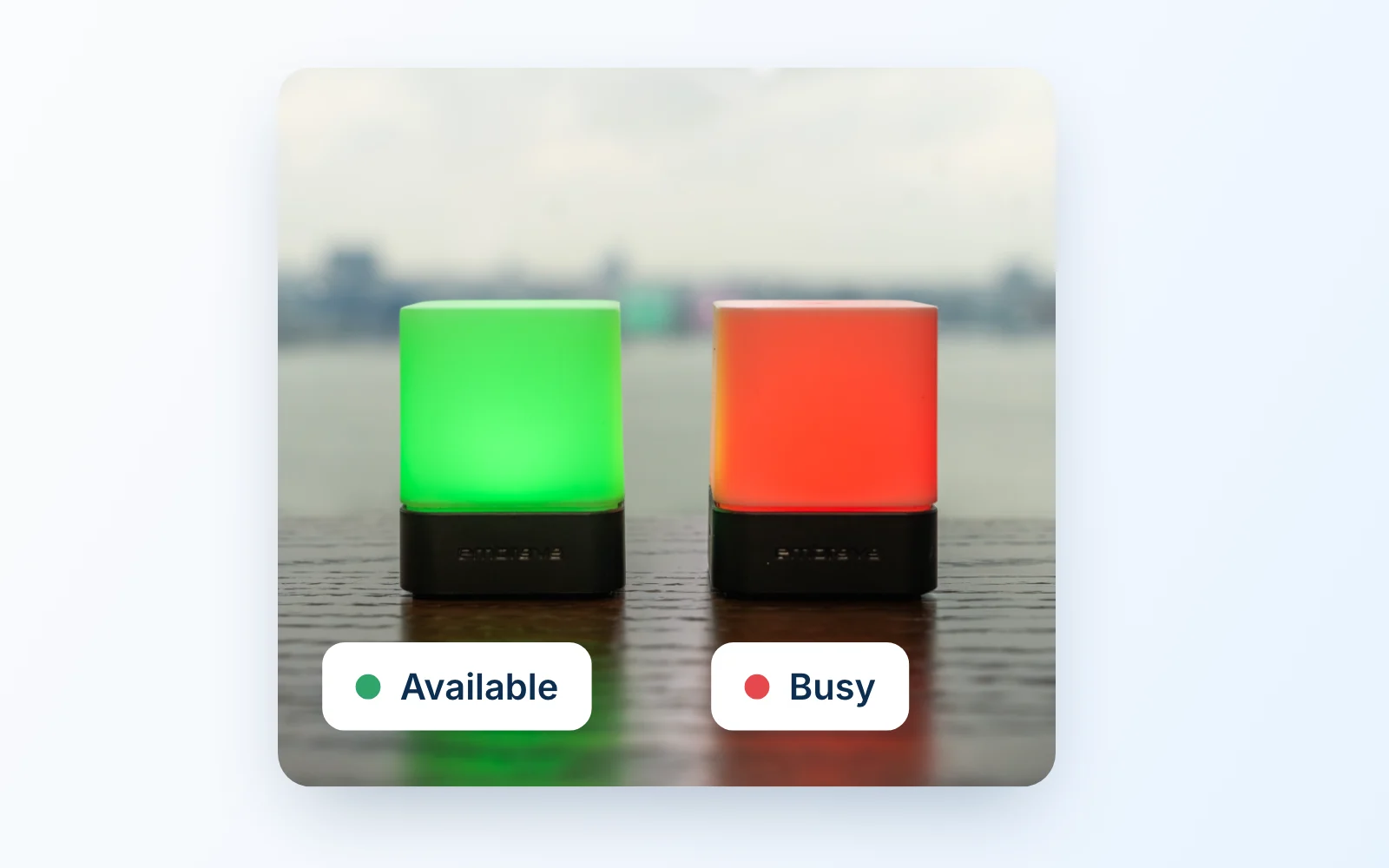
Two Embrava Blynclight status lights side by side, one green labeled Available and one red labeled Busy.
Busy Lights
Status Light vs. Busy Light: Is There a Difference?

Status light vs busy light: the terms mean the same device. What matters is which apps set the color, how many states you need and where it sits.

Read more
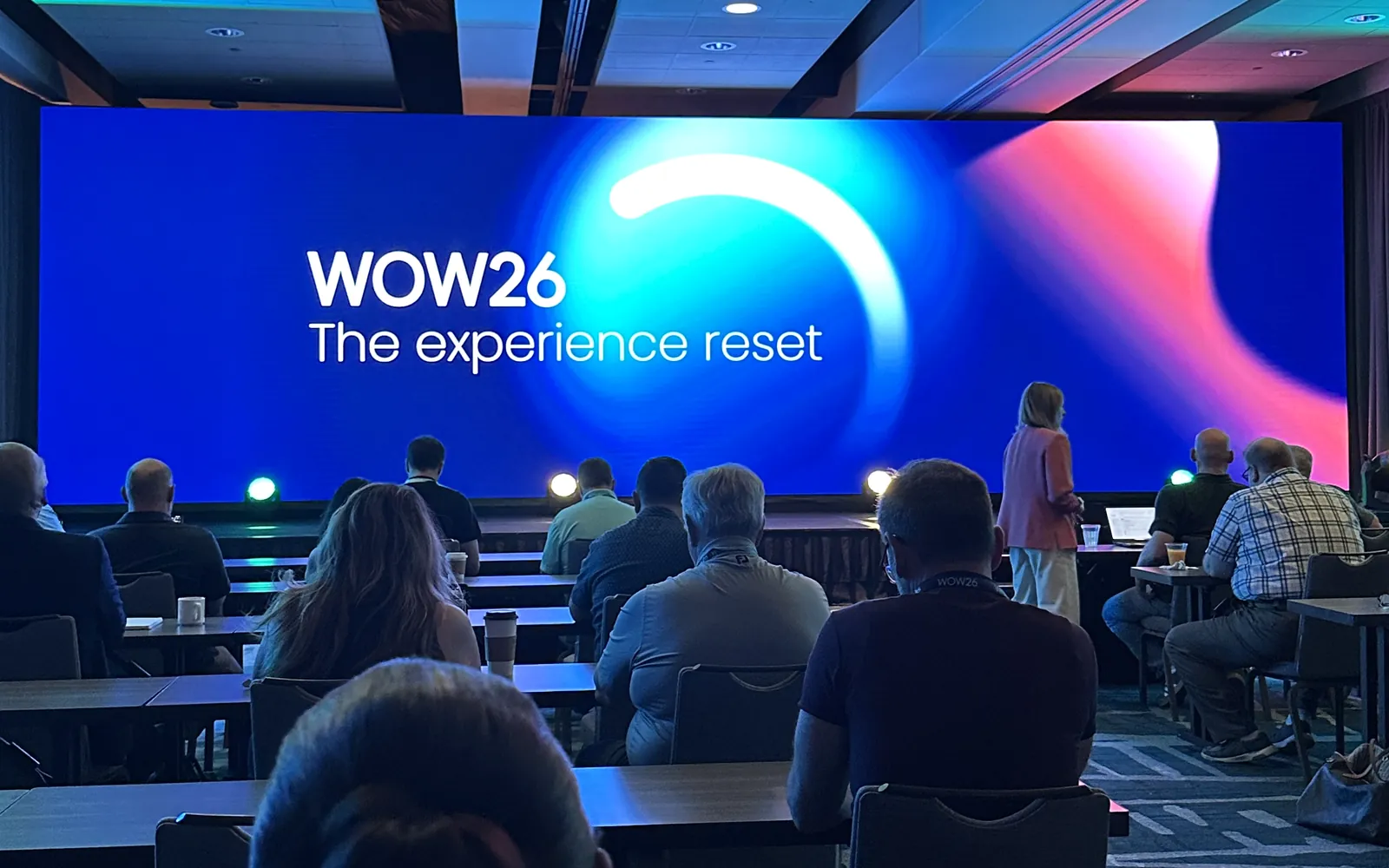
Attendees in the WOW26 keynote room facing a stage screen that reads WOW26, The experience reset
Events
Embrava at Appspace WOW26: Connecting bookings, spaces, and workplace screens

Lessons from Appspace WOW26 on connecting workplace bookings and communications with Embrava room displays, desk signs, and digital signage players.

Read more
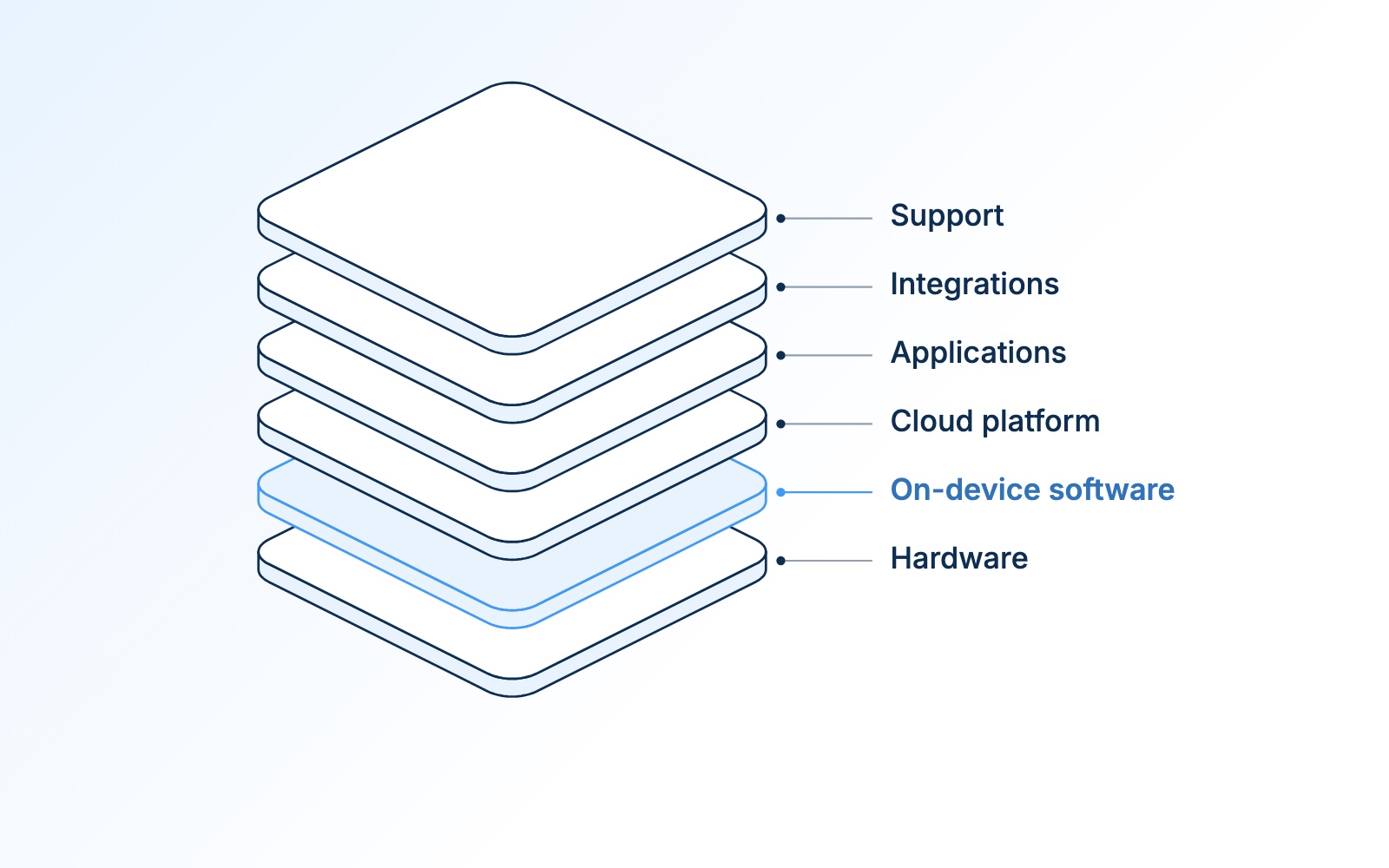
Layered diagram of a connected device solution: hardware, on-device software, cloud platform, applications, integrations, and support
Workplace Technology
What Is Microsoft MDEP? A Guide for Workplace Technology Teams

What Microsoft’s Device Ecosystem Platform does, where it stops, and what to evaluate before you standardize the devices in your building.

Read more
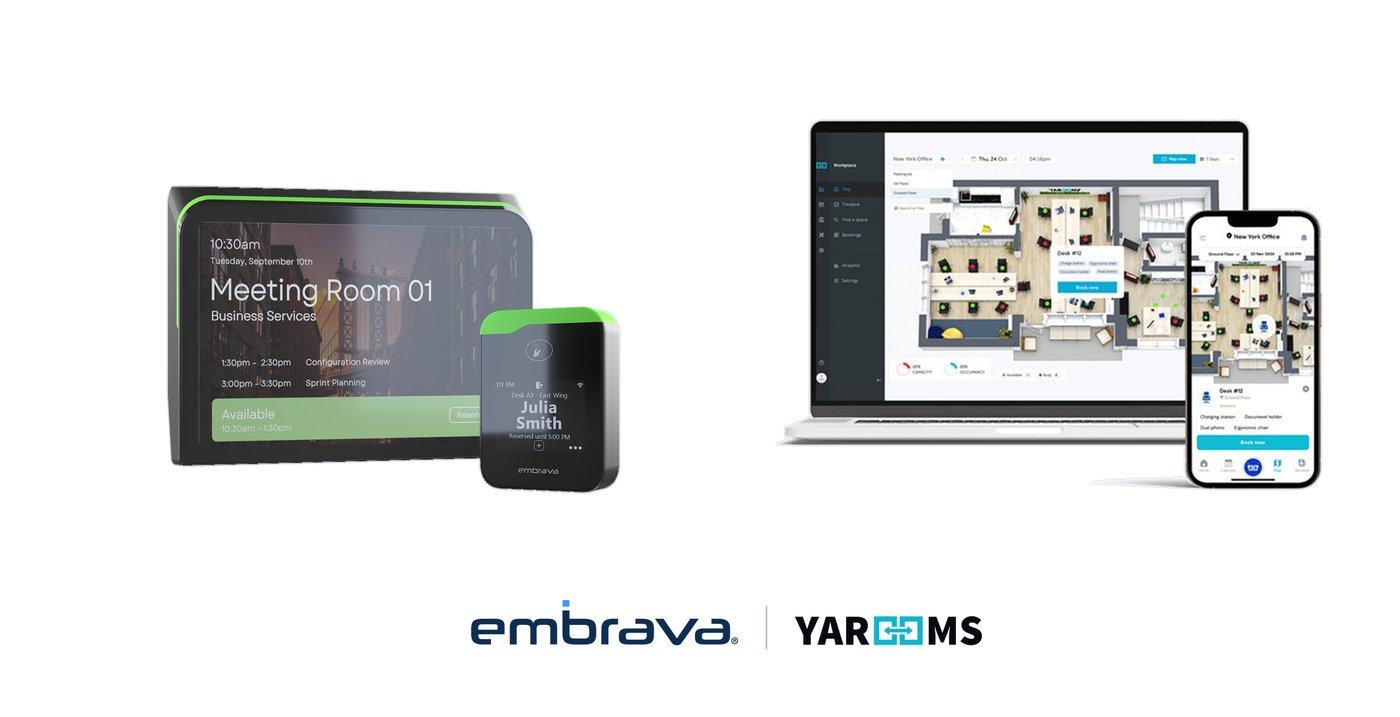
Embrava Room Sign and Desk Sign beside the YAROOMS workplace map on a laptop and a phone
Partners & Integrations
Embrava and YAROOMS Bring Desk Booking into the Physical Office

Desk Sign brings the YAROOMS booking experience to the workspace itself: visible availability, walk-up booking, and check-in at the desk.

Read more
Legal Workplace London event graphic for Simon Privett, UK Country Manager at Embrava, and his session Beyond the Booking: Turning Workplace Data into Better Workplace Decisions
Events
Beyond the Booking: Lessons from Legal Workplace26 London

Simon Privett recaps Legal Workplace26 London: why booking data misleads, what speakers shared on attendance and space, and what law firms can do next.

Read more
Max Newman, Partner Manager at Embrava
Partners & Integrations
Embrava Partner Newsletter, Vol. 2

Our first partner webinar is set, a new Eptura spotlight, and a simpler two-tier partner program.

Read more
Embrava Room Sign showing a room reservation
Meeting Rooms
Five Ways to Reduce Ghost Booking

Ghost booking wastes real office space and skews your space utilization data. Five practical ways to get accurate meeting room utilization back.

Read more
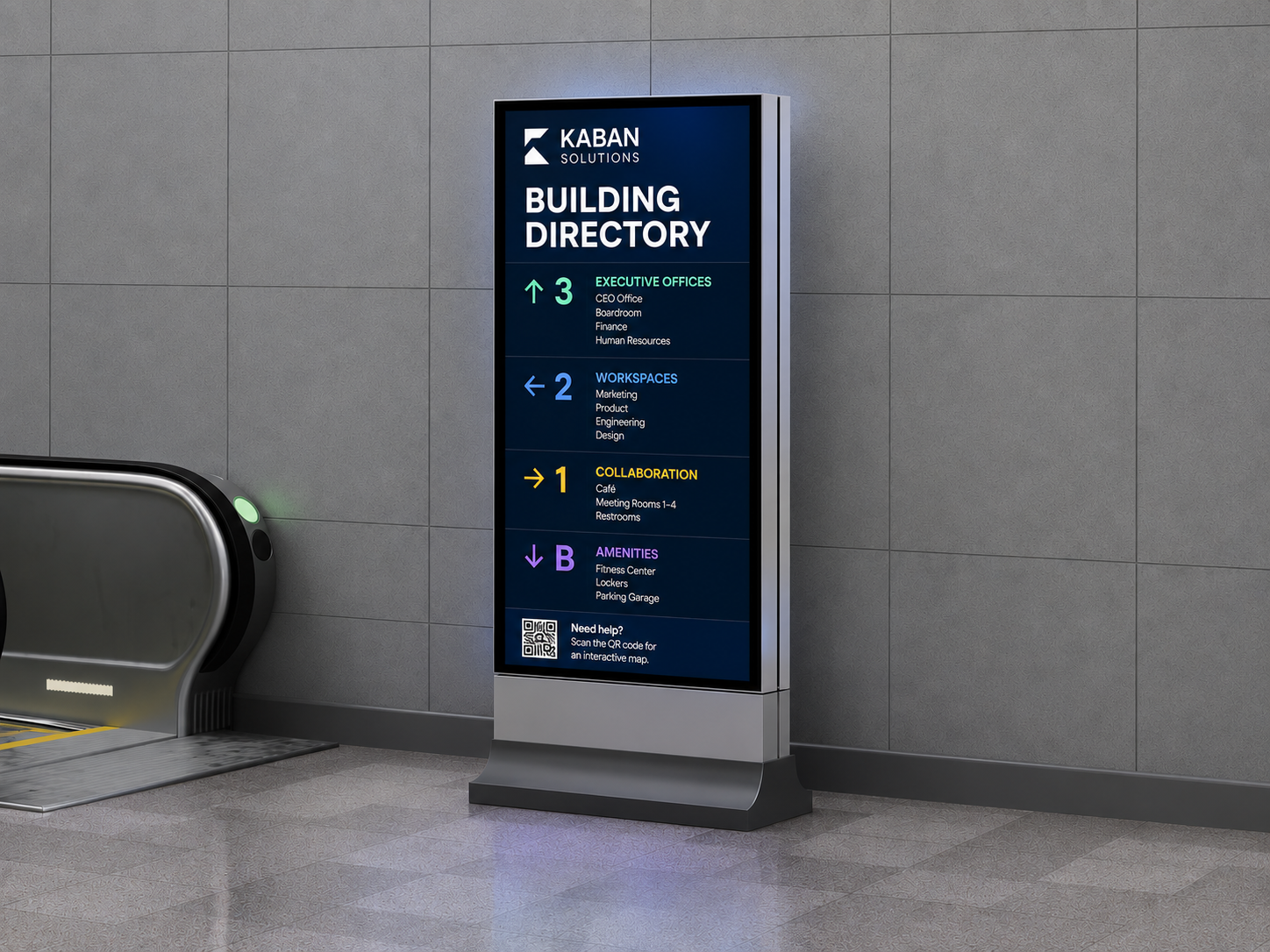
Digital signage wayfinding kiosk in an office lobby
Digital Signage
Digital Signage, Beyond Displays

Digital signage has moved past the TV on the wall. See where real-time communication is showing up across the workplace.

Read more
Any Sign device
Digital Signage
Smarter Screens. Simpler Management.

Any Sign transforms any display into a centrally managed communication hub, from room schedules to wayfinding to AI-generated content.

Read more
Embrava team at trade show
Events
Meet Embrava This Fall

Embrava will be at the events shaping the next generation of workplace technology. See our products live, talk to the team.

Read more
Max Newman, Partner Manager at Embrava
Partners & Integrations
Embrava Partner Newsletter, Vol. 1

Welcome to the first edition. Updates on what we're building, where we're seeing success, and how we can grow together.

Read more