01 · Hardware
Embrava hardware
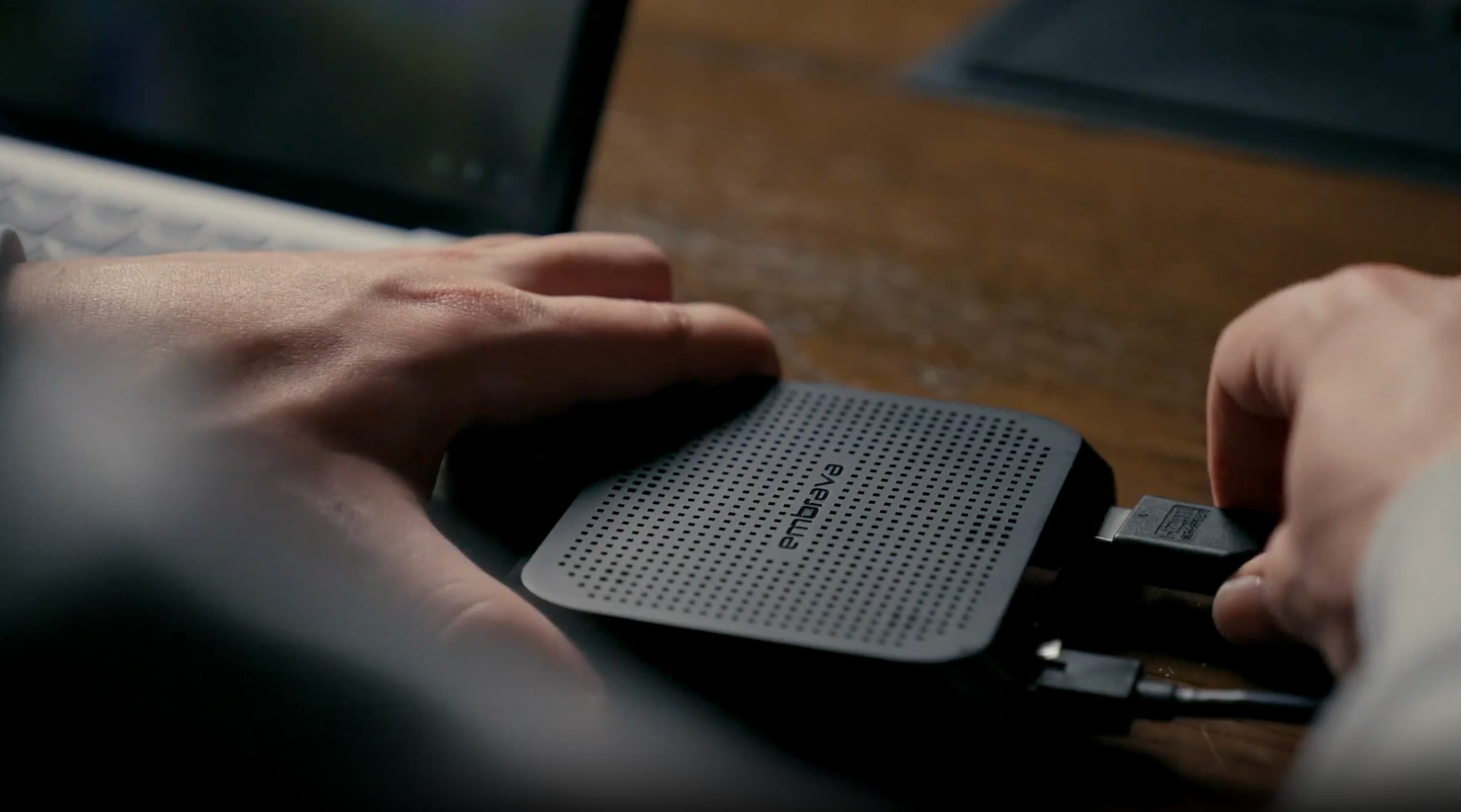
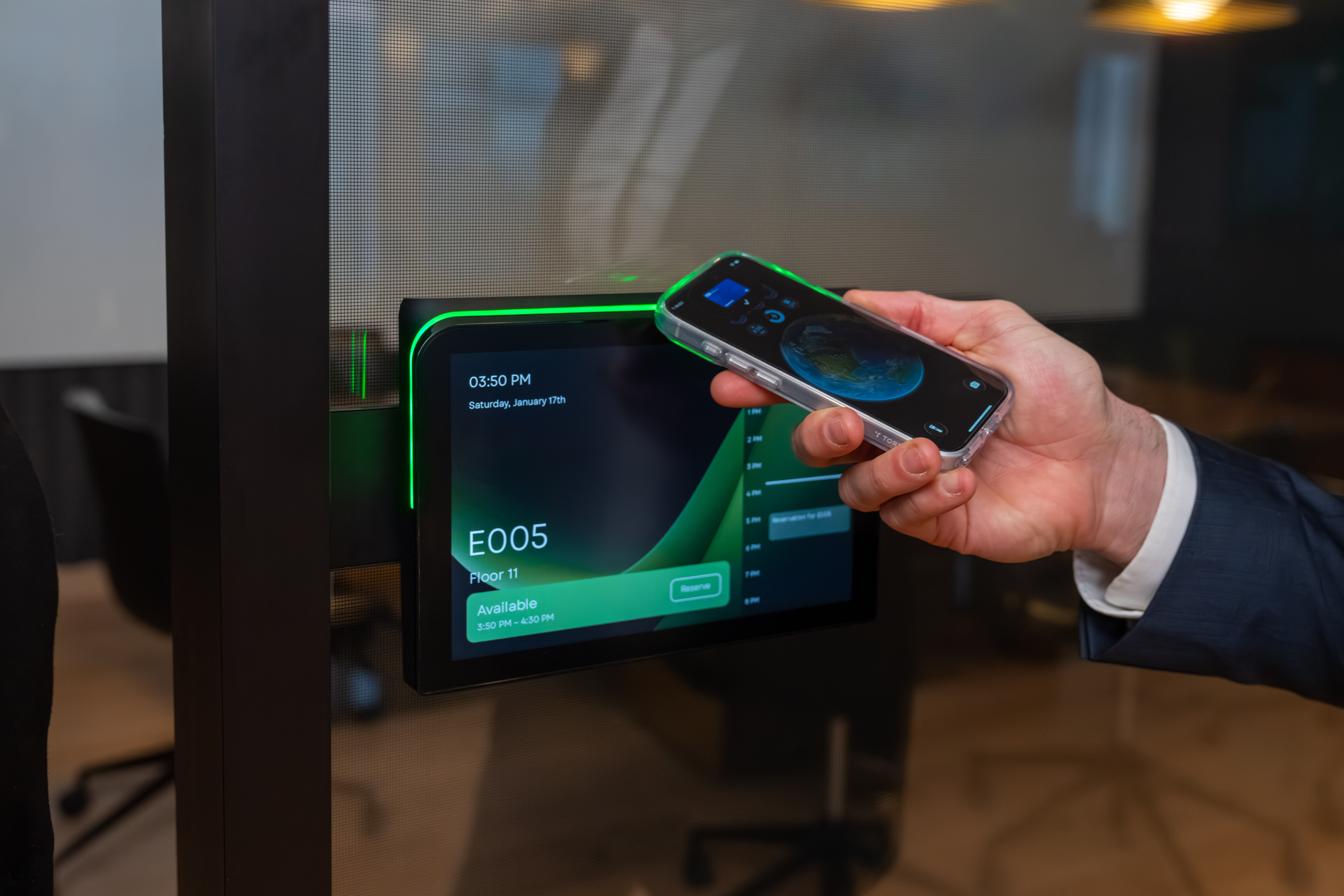
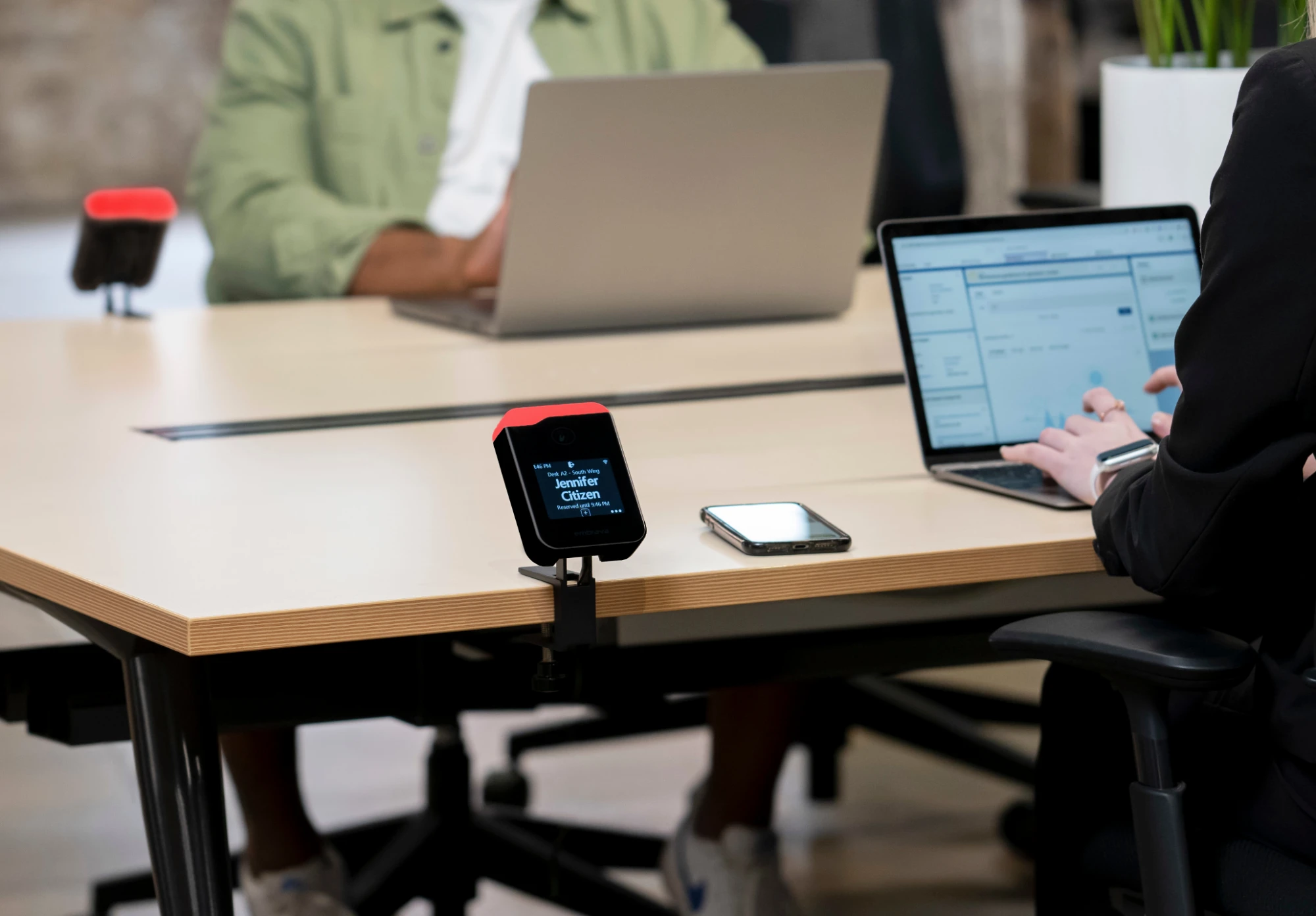
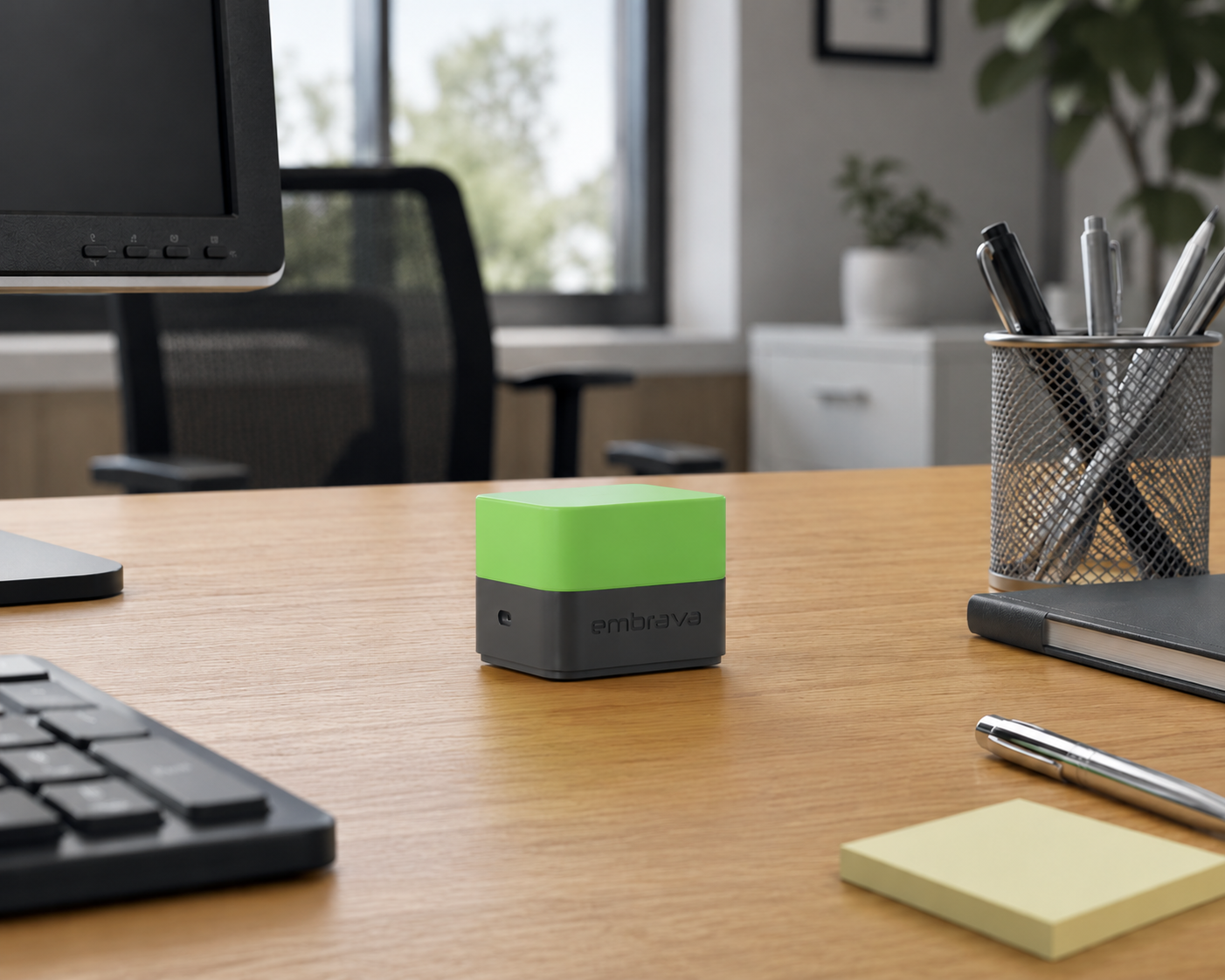
The physical devices: Any Sign, Room Sign, Desk Sign, and Blynclight. Built by Embrava, not third-party hardware running Embrava software on top.
Embrava DeviceOS is the workplace device software that gives every room sign, desk sign, status light, and display the same identity and configuration model, under one accountable vendor.
Embrava DeviceOS is the identity, configuration, and update layer that runs on every Embrava device: Any Sign, Room Sign, Desk Sign, and Blynclight. It is not a general-purpose operating system adapted for workplace use.
It is built for what a workplace device actually has to do: reflect what is happening in a space right now, carry your organization’s brand instead of a vendor template, keep working when network conditions change, and stay accountable to a security team for the full life of the hardware.
Embrava builds the hardware, Embrava DeviceOS runs on it, and Embrava Connect Cloud manages, connects, and extends it at scale.
Embrava builds all three layers of the system, and each does a different job.
01 · Hardware
The physical devices: Any Sign, Room Sign, Desk Sign, and Blynclight. Built by Embrava, not third-party hardware running Embrava software on top.
02 · On-device software
The on-device layer: identity, configuration, and the agent that keeps a device secure and current. The same model runs on every device.
03 · Cloud
The cloud platform your team works in: configure devices, roll out updates, run diagnostics, connect to Microsoft 365 and other systems, and run the workplace applications (booking, wayfinding, emergency communications) that turn device data into workplace outcomes.
04 · One system
In one sentence: Embrava hardware runs Embrava DeviceOS, which gives every device a secure identity and a consistent update model. Embrava Connect Cloud is the platform your team works in to manage that fleet and connect it to your other systems.
A workplace device fleet is not one device repeated a thousand times. Hundreds or thousands of room signs, desk signs, status lights, and displays each pull live information from several systems, keep working through network configuration changes, carry a specific building’s brand rather than a generic template, and answer to a security team’s real questions about who is responsible for what.
Embrava DeviceOS closes that gap with one identity and configuration layer, built by the same company that manufactures the hardware and operates the cloud around it, instead of a general-purpose operating system stitched together with add-ons after the fact.
Managing a device fleet from one console, not five.
Who need a clear, auditable picture of device identity and access, not a patchwork of vendor assumptions.
Responsible for how a building functions day to day.
Who need devices that fit the tools they have already invested in.
The same software foundation across your workplace device family.
Every Embrava device shares the same identity and configuration model, so there’s one way to manage them, not one per device type.
Embrava Connect Cloud is one console to configure devices, roll out updates gradually, monitor configuration drift, and run diagnostics on every device type.
Access is role-based and administrative activity is logged for audit, so your security team can see who did what across the fleet.
Most Embrava customers already run Microsoft 365. Embrava DeviceOS gives every device the secure identity that makes integration possible, and Embrava Connect Cloud is where that connection happens: native single sign on through Microsoft Entra, workplace data through Microsoft Graph, and Embrava is building deep integration with Microsoft Places, linking a Microsoft Place to the physical devices near it.

 Microsoft PlacesIn development
Embrava Connect Cloud also connects to Google Workspace, Zoom, and a growing set of workplace, booking, and sensor integrations. An API is available for custom integrations. Ask your Embrava contact for current documentation.
Every Embrava device is provisioned with a unique device identity during manufacturing, and device connections are authenticated and encrypted end to end. Embrava devices support certificate-based network authentication; our team confirms exact protocol support against your specific network architecture during a security architecture review.
That device-level identity is what Embrava Connect Cloud’s role-based access and audit logging build on. Your security team gets one auditable chain from the hardware to the console.
Request a security reviewBecause Embrava builds the hardware, writes Embrava DeviceOS, and operates Embrava Connect Cloud, a workplace requirement becomes a change Embrava can make directly, rather than a request routed through a hardware partner, an OS vendor, and an application vendor separately.
Discuss your devices, network, and integration needs with an Embrava specialist.