
EVENT INSIGHTS
Embrava at Appspace WOW26: Connecting bookings, spaces, and workplace screens

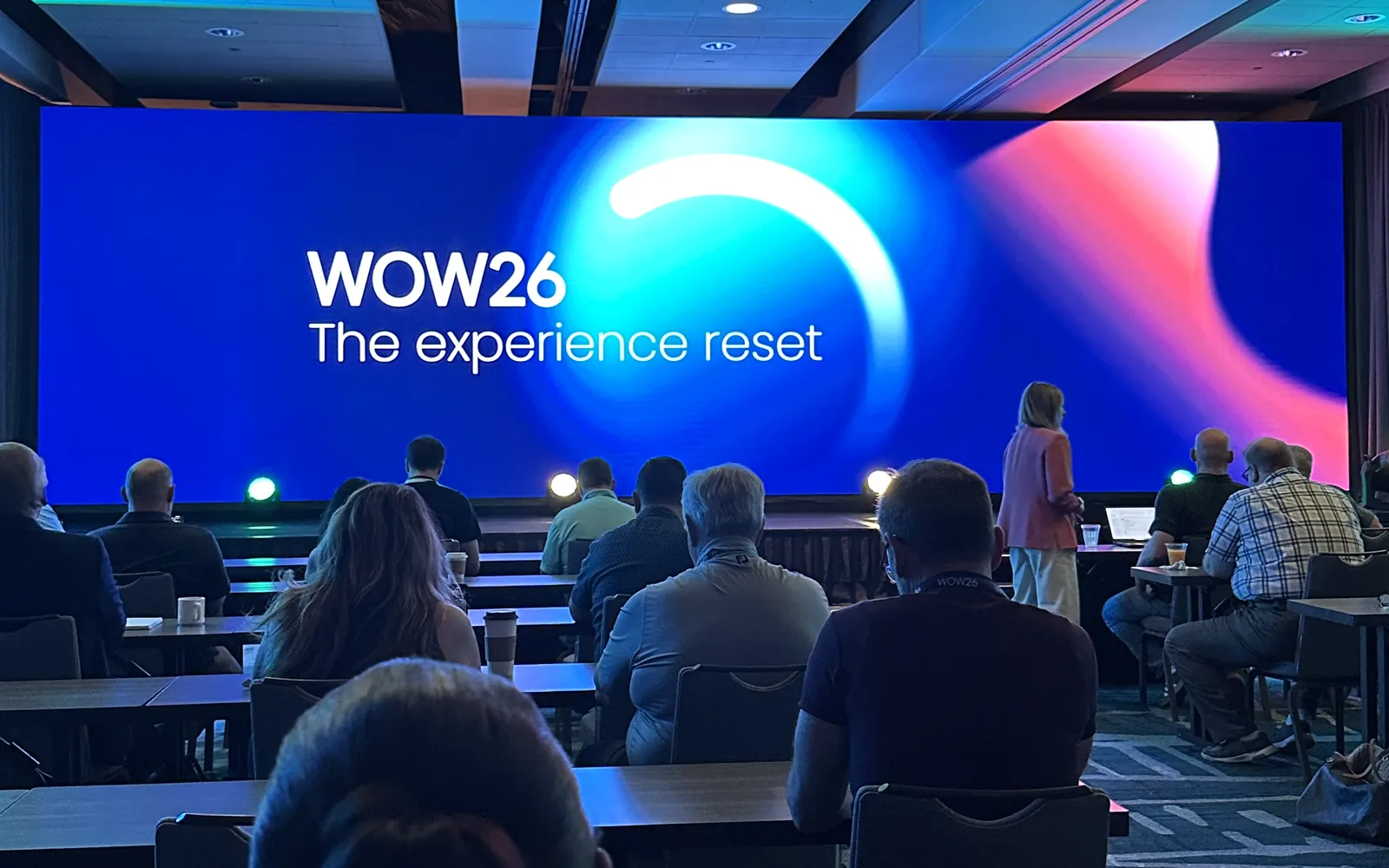
Appspace WOW26, short for World of Work, brought Appspace customers, partners, and team members to Scottsdale, Arizona, from September 28 to 30, 2026. Appspace makes workplace experience software that organizations use for their intranet, digital signage, room and desk booking, and visitor management.
Embrava is an Appspace partner. Appspace manages the bookings and content. Embrava devices put that information in front of people: Room Sign at the meeting room door, Desk Sign at the shared desk, and Any Sign behind workplace screens, with Embrava Connect Cloud helping IT manage the devices. Here is what stood out, and what it means for your workplace.
The main idea at WOW26: make the workplace feel like one experience
Appspace’s 2026 workplace research found that 55% of employees say their organization struggles to bridge the gap between the physical office and the digital workspace. In the opening keynote, Appspace CEO Pete Schmied explained why that gap persists. Most organizations can name who runs communications, who runs office space, and who runs everyday tools. Few can name who owns the employee experience across all three.
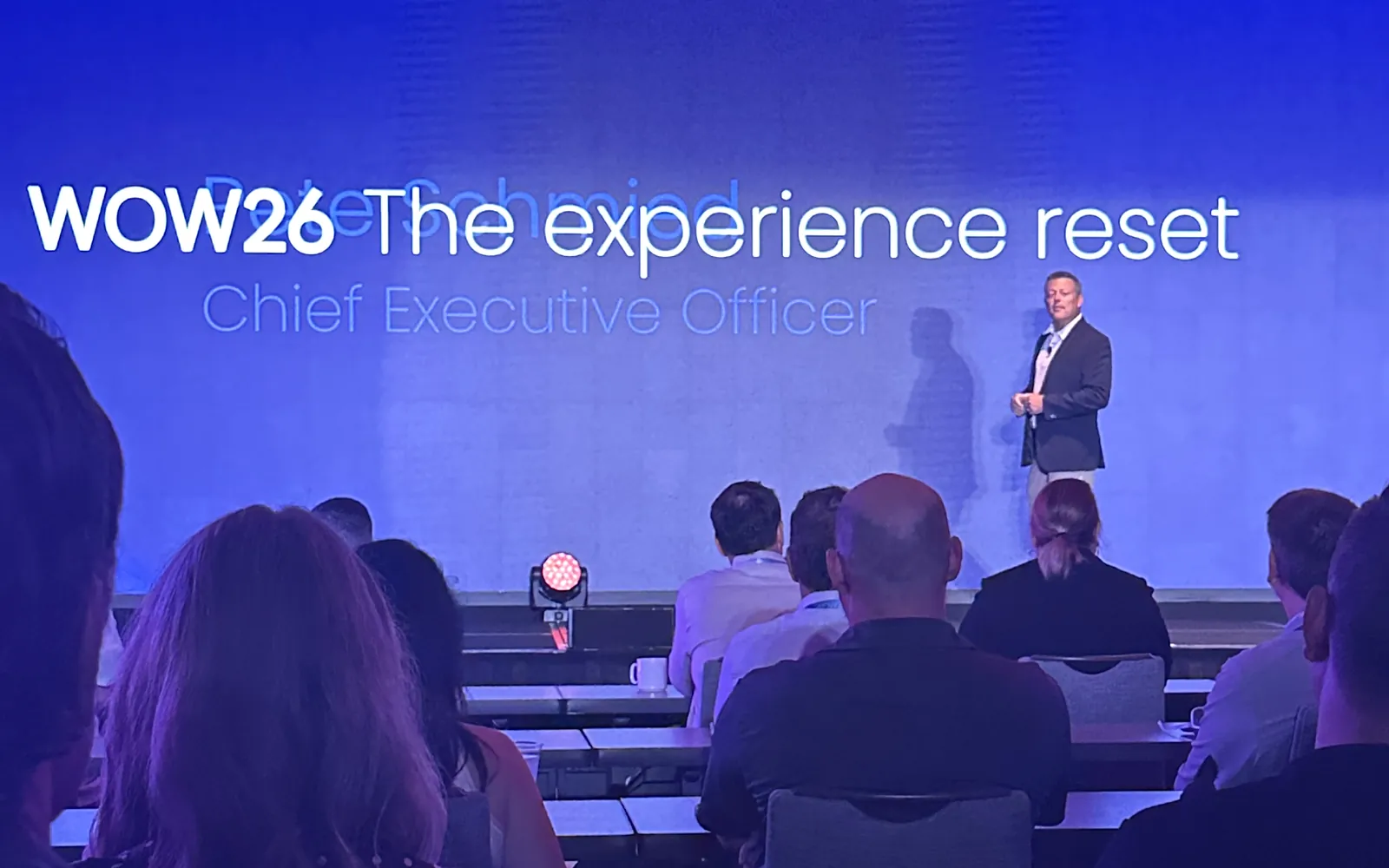
Appspace also introduced Appspace Context, its vision for a workplace experience that responds to the person, the place, and the situation. Schmied described the goal as helping organizations “connect the physical and digital workplace so they work as one experience.”
Employees feel that gap in ordinary moments: walking up to a meeting room, looking for a free desk, or glancing at a screen for an update. Those are the moments Embrava and Appspace address together.
Meeting rooms: Appspace bookings, visible at the door
Schmied described a familiar journey. You find out where you are going, reserve a space, get directions, and then arrive at the building to find yourself in a different system. Appspace announced a partnership with SwiftConnect at WOW26 that brings workplace access, including credentials in employees’ mobile wallets, into the same experience.
The same disconnect shows up at the meeting room. A room can be booked correctly in Appspace and still tell people nothing from the hallway. Is it free? Is the next meeting about to start? Did the person who booked it arrive?
Room Sign is Embrava’s meeting room display, mounted outside conference rooms, huddle rooms, and glass-walled spaces. With Appspace, a reservation made in Appspace appears on Room Sign in real time, along with booking details, time remaining, and a color status that people can read from down the hall. Employees check in at the door with their badge or an NFC tap from their phone, and the check-in flows back to Appspace.
For employees, that means knowing the status of a room before they knock. For workplace teams, check-in data returns to Appspace, showing which reservations were claimed.
Shared desks: Desk Sign and Appspace work in both directions
Hot desking raises the same question at a smaller scale: is this desk free, and who is using it today? Desk Sign is Embrava’s desk booking display, placed on each shared desk.
Desk Sign’s Appspace integration works in both directions. Bookings made in Appspace appear on the sign, and an employee can tap a badge on Desk Sign to create a reservation in Appspace. The sign shows whether the desk is available, reserved, checked in, or ending soon. Organizations choose whether it displays the booking owner, so colleagues can find each other, or hides reservation names for privacy.
Workplace signage: for many employees, the screen is the main channel
Not everyone works at a desk or reads the intranet. Store associates, warehouse teams, and service staff often rely on the screens around them for updates. At WOW26, Appspace made the point that for many of these employees, a screen is not a secondary channel. It may be the most dependable way to reach them. Appspace shared the example of a large grocery retailer that uses Appspace digital signage across corporate offices, warehouses, stores, and even pharmacy drive-thrus.
Appspace also showed Situational Signage, part of the Appspace Context vision, which aims to let screens respond as conditions around them change. That is part of Appspace’s own roadmap, and Appspace has not announced an availability date.
Any Sign is Embrava’s digital signage player, and it works with Appspace today. It is a compact device that connects to a display, including screens an organization already owns, and turns it into a centrally managed digital sign. Communications teams create and schedule content in Appspace for lobby welcome screens, break room notices, cafeteria menus, or updates on a warehouse floor. Any Sign plays that content on the display.
Device management: Embrava Connect Cloud
A workplace that relies on signs and screens ends up with devices on every floor, and often in every building. Checking each one in person does not scale, especially across many sites.
Embrava Connect Cloud is the device management platform behind Embrava signs. From one admin portal, IT teams can see each device’s health, connectivity, and firmware status, and push updates and configuration changes remotely. For Any Sign, IT teams can check player connectivity and firmware status remotely, reducing the need for checks at individual devices.
What WOW26 means for your workplace
WOW26 made a clear case that employees experience the workplace as one day, not as a set of separate systems. Appspace brings booking, communications, and signage onto one platform. Embrava makes the results visible where people need them: room status at the door with Room Sign, desk status on the desk with Desk Sign, and Appspace content on workplace screens with Any Sign, all supported by Embrava Connect Cloud.
Thank you to the Appspace team for hosting WOW26, and to everyone who shared their perspective with us in Scottsdale.
Frequently asked questions
If you use Appspace and want to see Room Sign, Desk Sign, and Any Sign in your meeting rooms, desks, and screens, explore the Embrava and Appspace partnership or start a conversation with our team.