
Status Light vs. Busy Light: Is There a Difference?
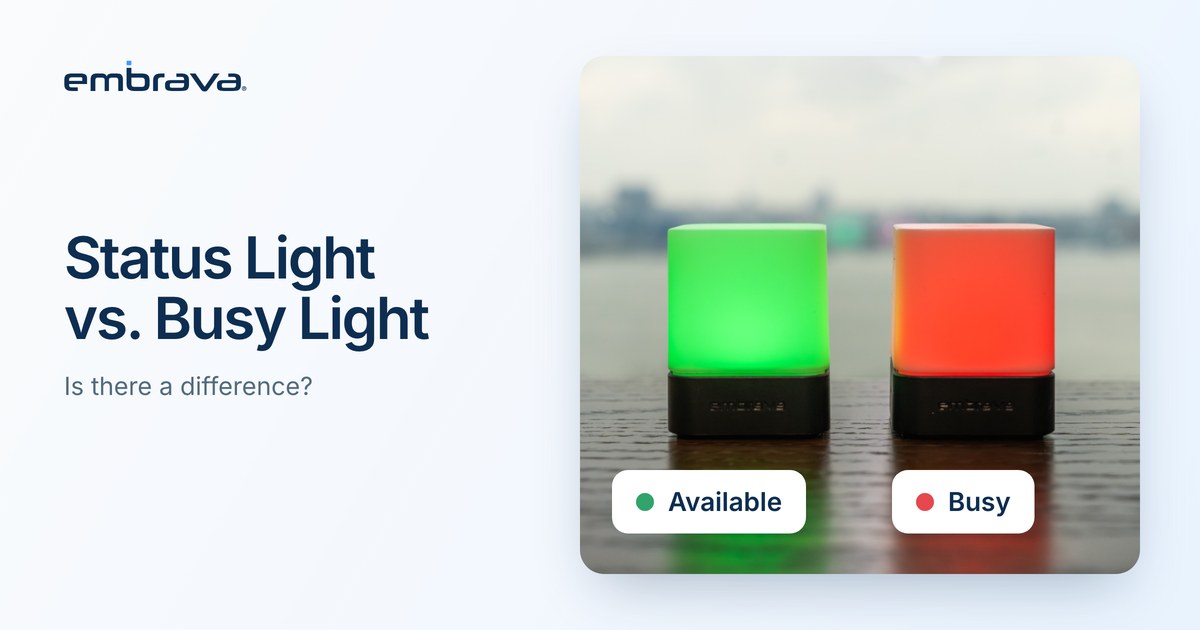
A status light and a busy light are the same kind of device. Both are lights, usually USB powered and placed on or near a desk, that change color to show whether a person is available, on a call or do not disturb. "Busy light" emphasizes one state. "Status light" is the broader term and covers every state the light can show. The practical difference is in the software that sets the colors, not in the name.
Illustrative scenario. The people and office are invented. They do not describe an Embrava customer.
Monday, 9:40 a.m., two people, one question
A team lead asks IT for "a busy light for everyone." IT writes back asking which status lights the team wants. They go back and forth for three emails before realizing they mean the same thing.
The words were different. The need was identical. The useful questions were elsewhere: which apps should set the color, and what should each color mean?
What is the difference between a status light and a busy light?
There is no formal standard that separates them. Vendors and buyers use the two terms interchangeably. A reasonable working distinction:
- Busy light usually means a light whose main job is to say "do not interrupt me right now."
- Status light usually means a light that shows several states, such as Available, Away, Busy, On Call and Do Not Disturb.
This is a working distinction, not an industry definition. Most products described as busy lights can show more than one state.
What matters when choosing?
Skip the label and compare these:
- Which apps set the status. Check the supported application list for your operating system.
- How many states you need. Three or four is plenty. More than that and nobody remembers the legend, and a color with no agreed meaning tells people nothing.
- Where it sits. A light that people approaching you cannot see does not do its job.
For rollout, sound and team agreements, read Busy Light for Office: How to Choose One for Open Offices and Hybrid Teams.
| Question | Busy light | Status light |
|---|---|---|
| What the name emphasizes | One state: busy | Several states |
| What to check before buying | Supported apps, number of states, placement | Supported apps, number of states, placement |
Where does Blynclight fit?
Blynclight is Embrava's USB status light. It takes its status from the free Embrava Connect desktop application for Windows and macOS rather than from the light itself, and Microsoft Teams and Zoom are among the applications it can follow. Colors are customizable. For a plain explanation of the device, read What Is a Busy Light?.
Frequently asked questions
Talk with an expert
Tell us which apps your teams use and how your floor is laid out, and we can walk through which light fits. Talk with an expert or explore Blynclight.
Related reading
- Busy Light for Office: How to Choose One for Open Offices and Hybrid Teams
- What Is a Busy Light? How Status Lights Work With Microsoft Teams and Zoom
- Why Do Booked Desks Sit Empty? How to Diagnose and Fix It
Sources
- Microsoft Learn, User presence in Teams (updated July 16, 2026)
- Zoom Support, Setting your presence status
- Embrava, Blynclight (live product page)