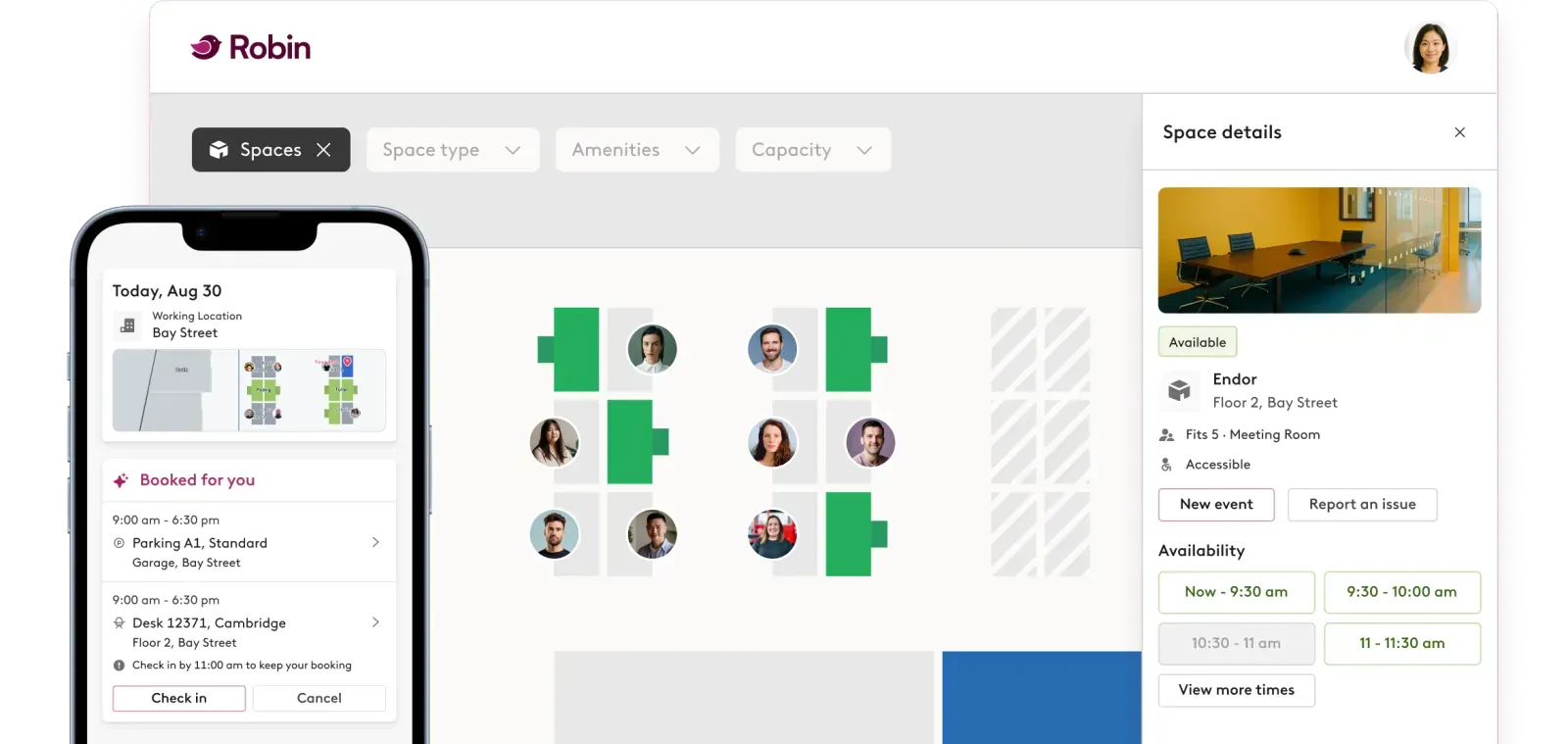
Employees use Robin to book desks and rooms, see who’s in the office, and find their way around the floor. Robin holds desks, users, and reservations, including check-in and no-show policies, and its analytics show workplace teams how space is used.
A booking starts in Robin and shows at the desk. Setup is four steps in Embrava DMS.
Starts in Robin
Employee books a desk: web, mobile, Outlook, or Teams.
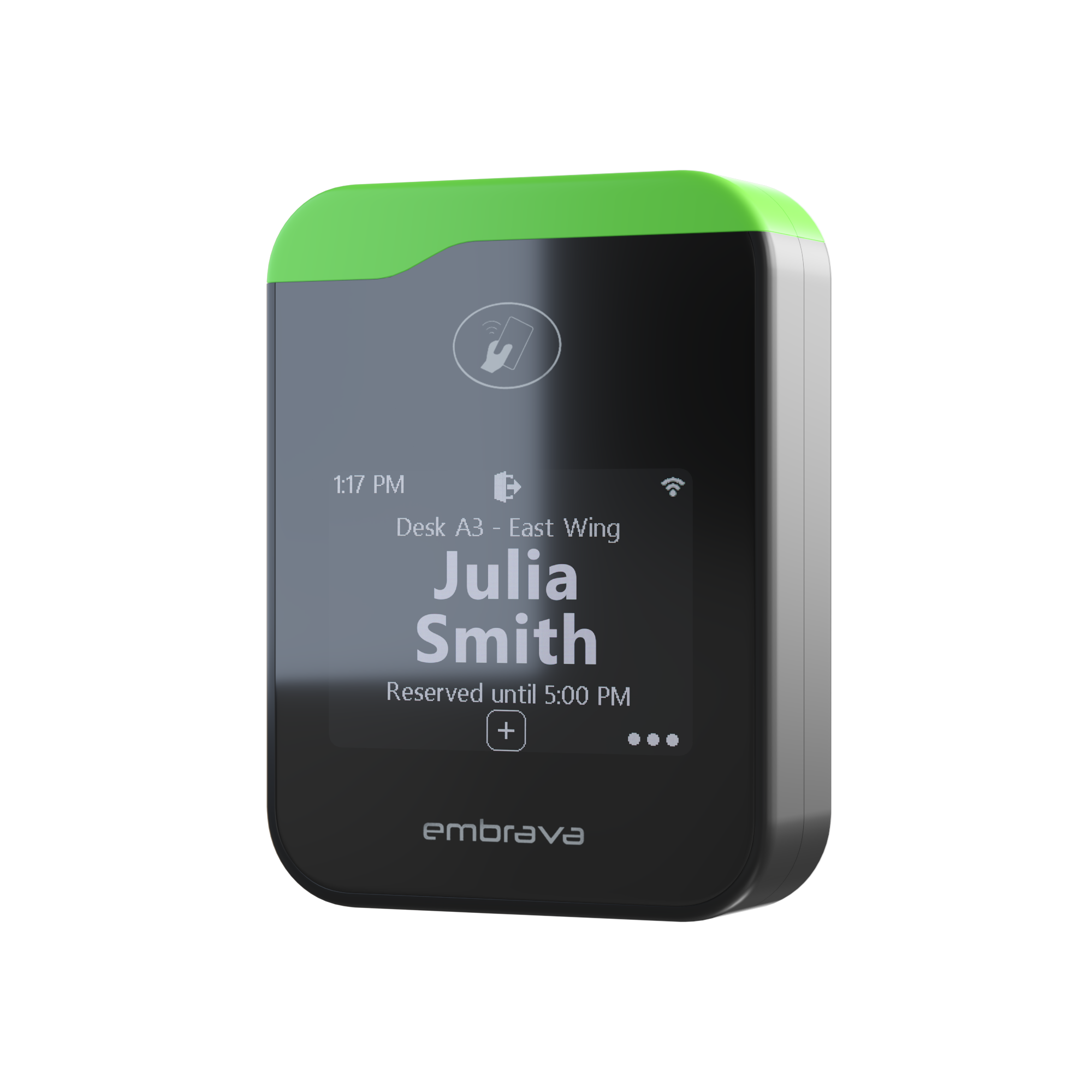
DMS syncs it. The sign shows reserved, with the holder’s name.
Employee checks in with Robin’s QR code or mobile app.
The sign shows checked in, then ending, then available.
Starts with a Robin API token
Create an API token: Robin admin, Manage, Integrations.
Enter the Robin Account ID and token in DMS.
Create a Desk Sign configuration.
Map each Desk Sign to its Robin desk by serial number.
No app or map lookup. The status is on the desk.
Visible reservations, Robin check-in, and auto-release keep bookings honest, and switching desks stays easy.
In flexible seating, see who’s booked at the desk. Anonymization is optional.
We built the integration. Set it up with a Robin API token and little IT lift.
Show live desk status and who’s booked at every desk.
Embrava signs are platform agnostic. The same hardware works behind every workplace platform below.


 copy.png)
 copy.png)

Whether you build software our hardware should plug into, or hardware that complements ours, we'd love to talk about how we can grow the workplace ecosystem together.